I wasn’t quite sure what to expect when I first got my hands on the Epomaker G84 Pro. A TFT screen, silicone keycaps, and an aluminium rotary knob, all on a budget wireless mechanical keyboard? It either sounds brilliant or gimmicky. After spending a solid amount of time with it, the answer is somewhere in between, but leaning heavily towards brilliant.
Design and Build
The Epomaker G84 Pro is built around an ABS plastic case in a clean white finish, and yes, it’s plastic. That’s worth acknowledging. But at around 960g, it sits on your desk with a planted, confident weight that doesn’t feel cheap. The fit and finish are consistent, with no visible wobble or weak points throughout my use.
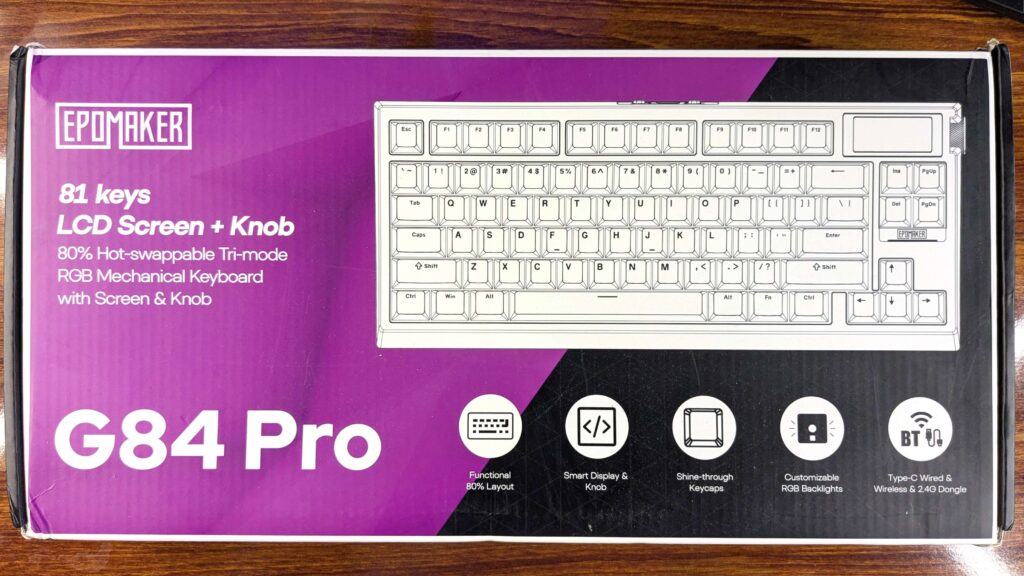
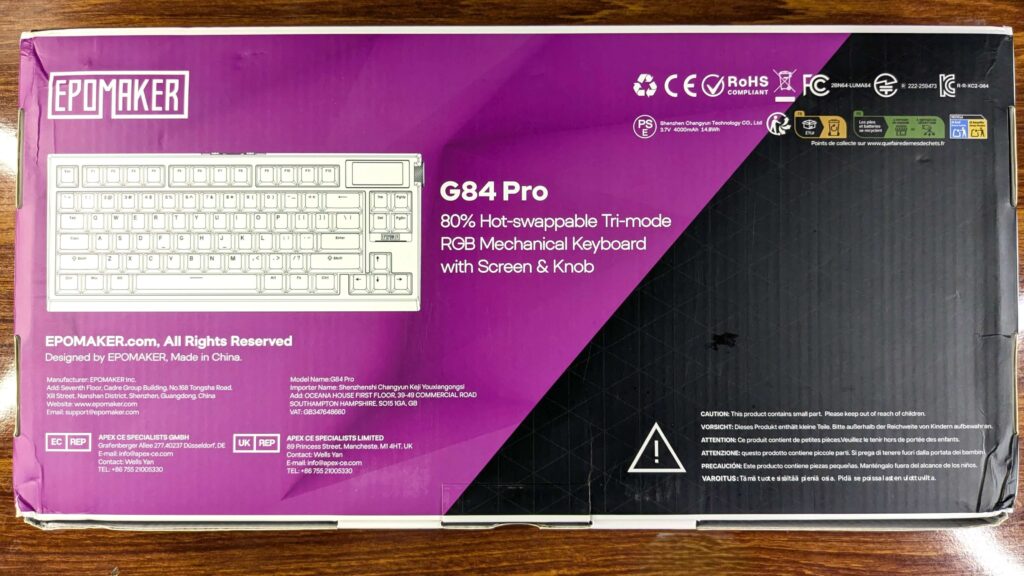
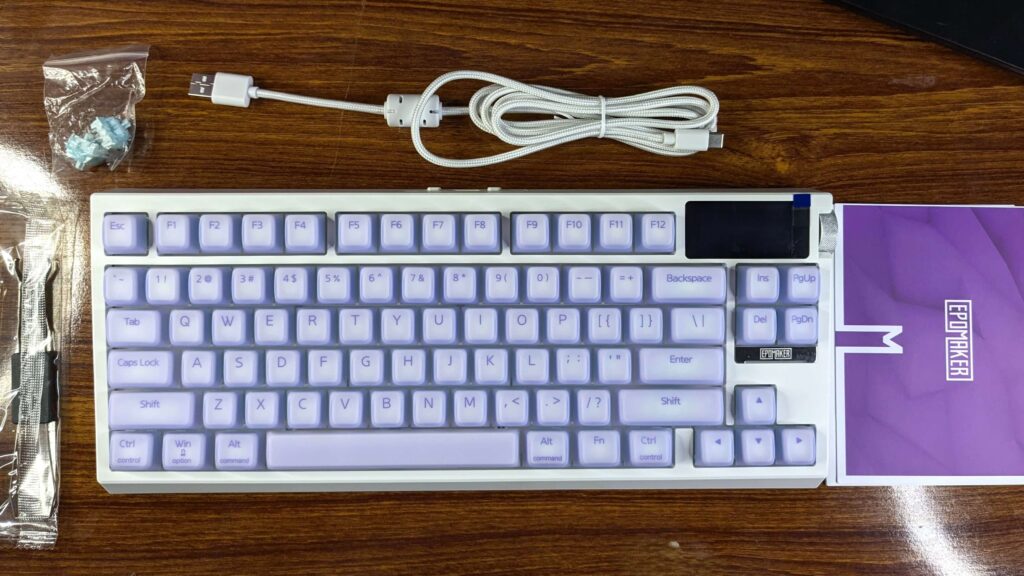
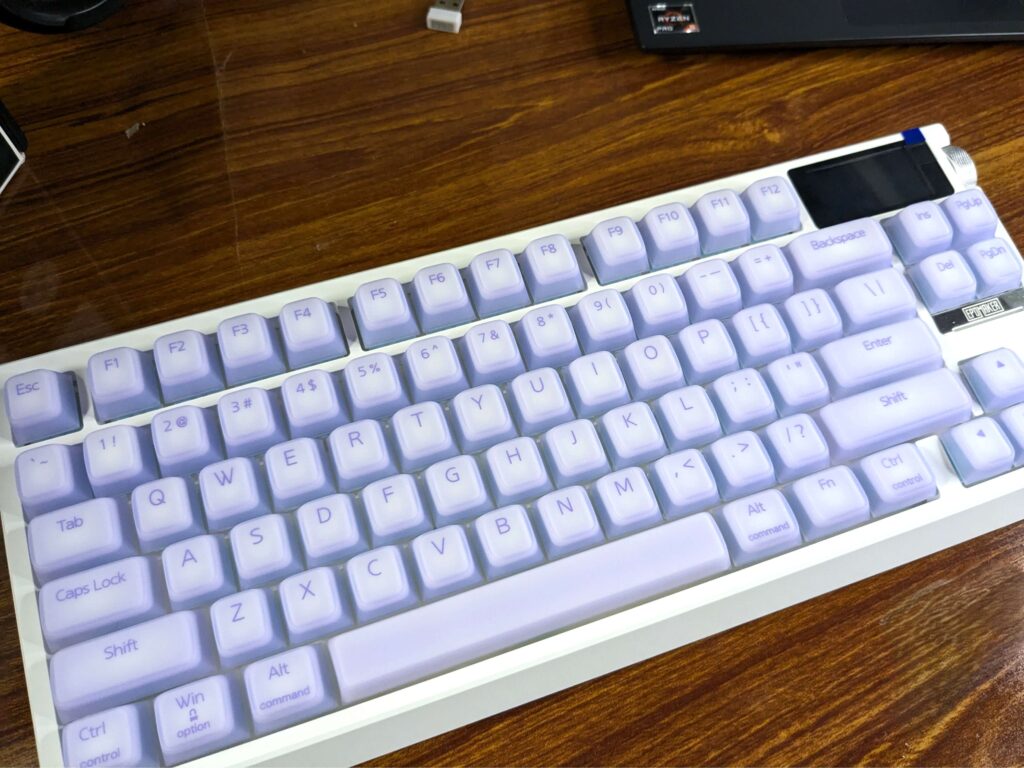
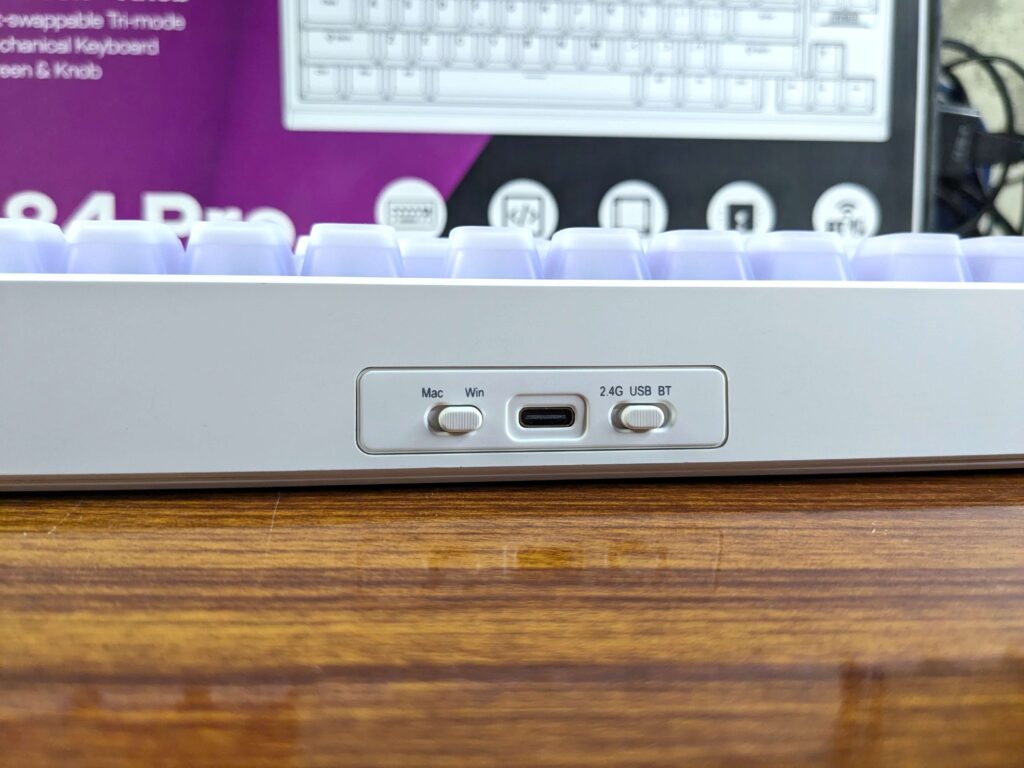
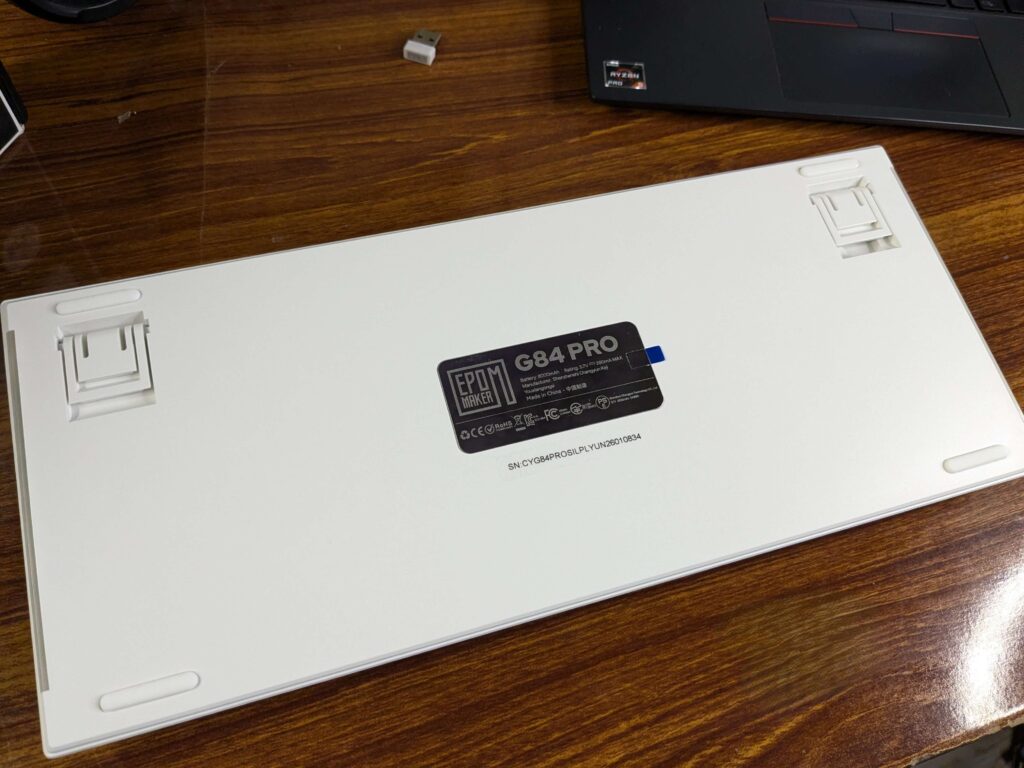
It’s an 80% layout with 81 keys, sitting comfortably between a 75% and a TKL in terms of width. The two-stage adjustable rubber feet let you set your preferred tilt, and the rear edge neatly houses the USB-C port, an OS toggle switch, and a tri-mode connectivity switch. The wireless dongle tucks away in a dedicated underside slot, a small but thoughtful touch.
The Screen and Rotary Knob
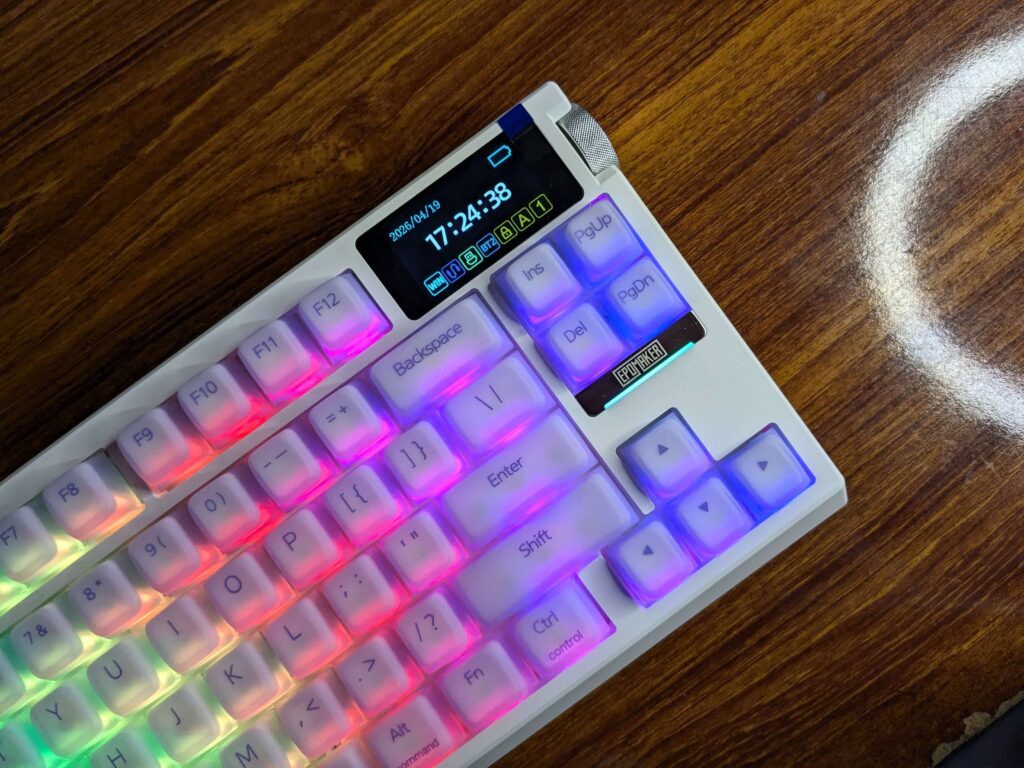
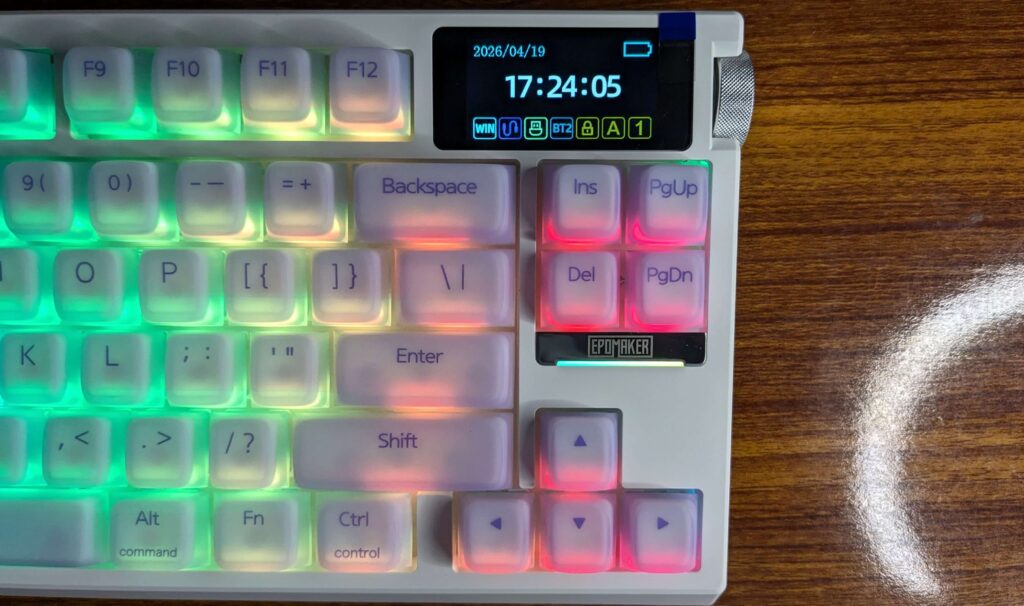
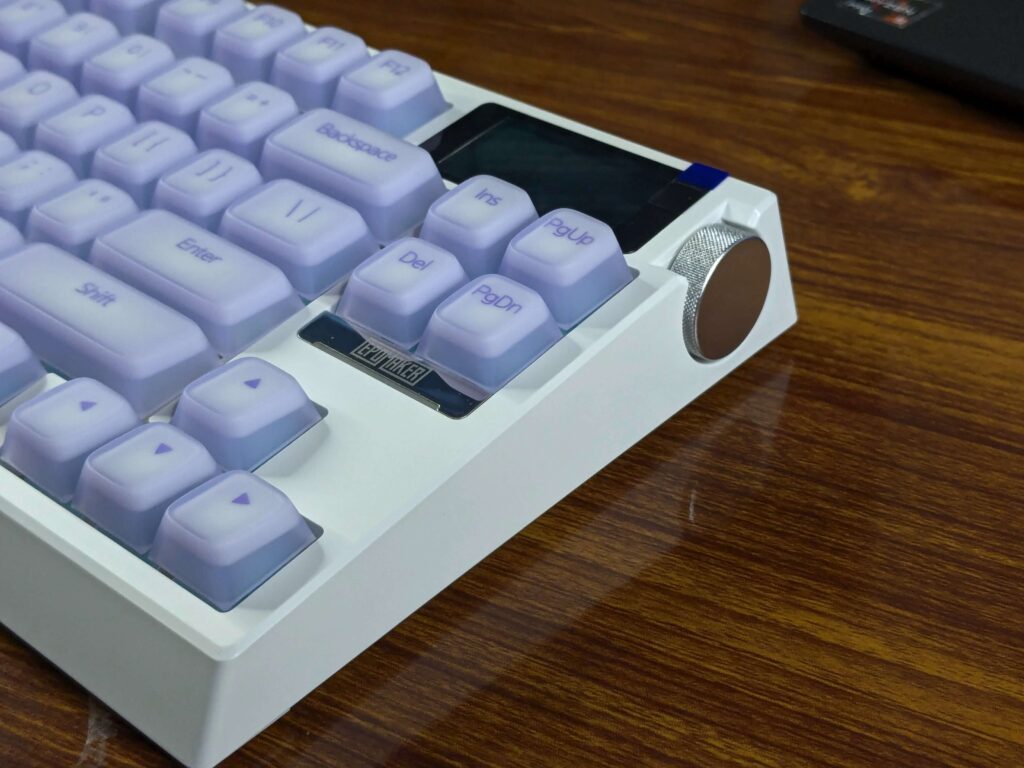
The 2-inch TFT glass display sits in the upper right corner and shows the time, battery level, and connection status by default. You can upload custom images or GIFs of up to 70 frames, which is a fun personalisation option. That said, screen brightness is modest, in a well-lit room, it can be hard to make out clearly. Also worth noting: uploading custom content to the display requires a wired connection, which is a minor inconvenience if you’re primarily wireless.
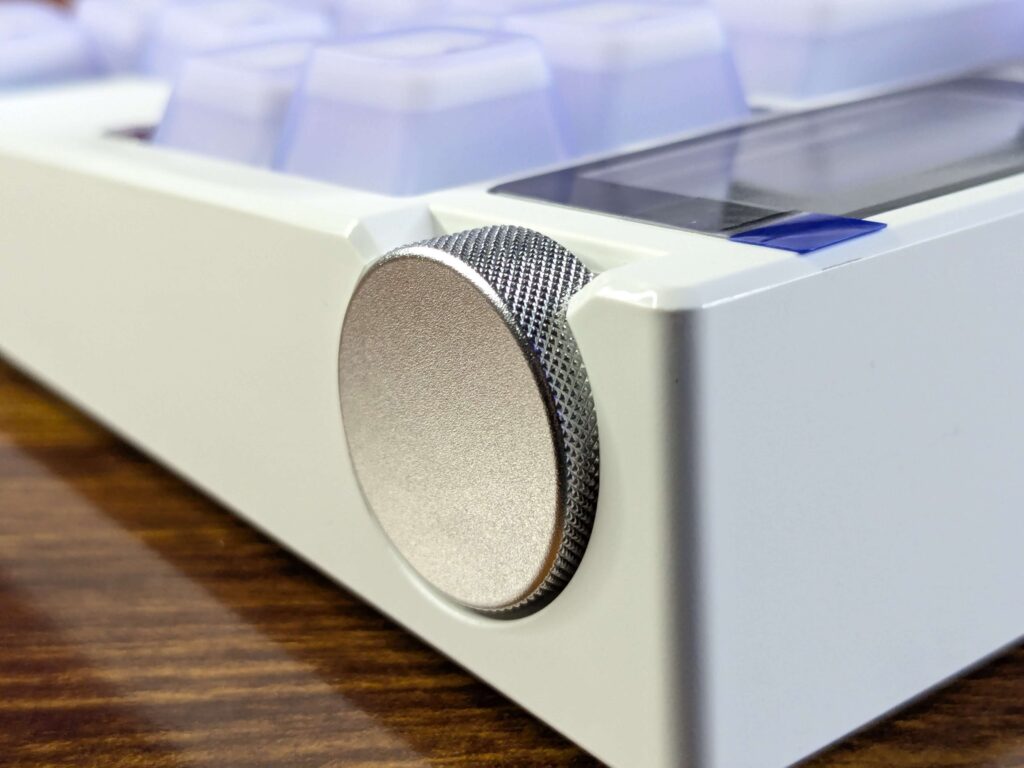
The aluminium rotary knob next to the screen is genuinely one of my favourite things about Epomaker G84 Pro. The knurled surface feels premium, it controls volume and RGB settings, and it doesn’t feel out of place, it belongs here.
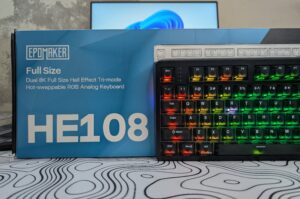
Also check out our review of EPOMAKER HE108 review full size Hall Effect keyboard done right
Silicone Keycaps – Love Them or Leave Them
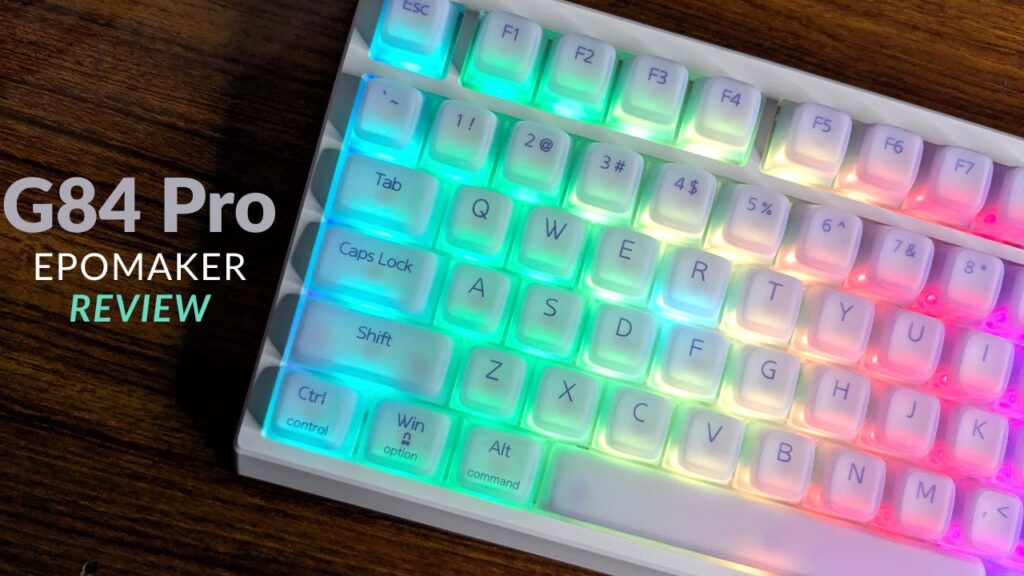
The Epomaker G84 Pro uses silicone double-shot Cherry profile keycaps, and they’re immediately noticeable the moment your fingers land on them. Velvety, soft, and non-slip, they’re unlike anything on a standard mechanical keyboard. RGB diffusion through them is excellent, giving the lighting a soft, diffused glow rather than harsh hotspots.
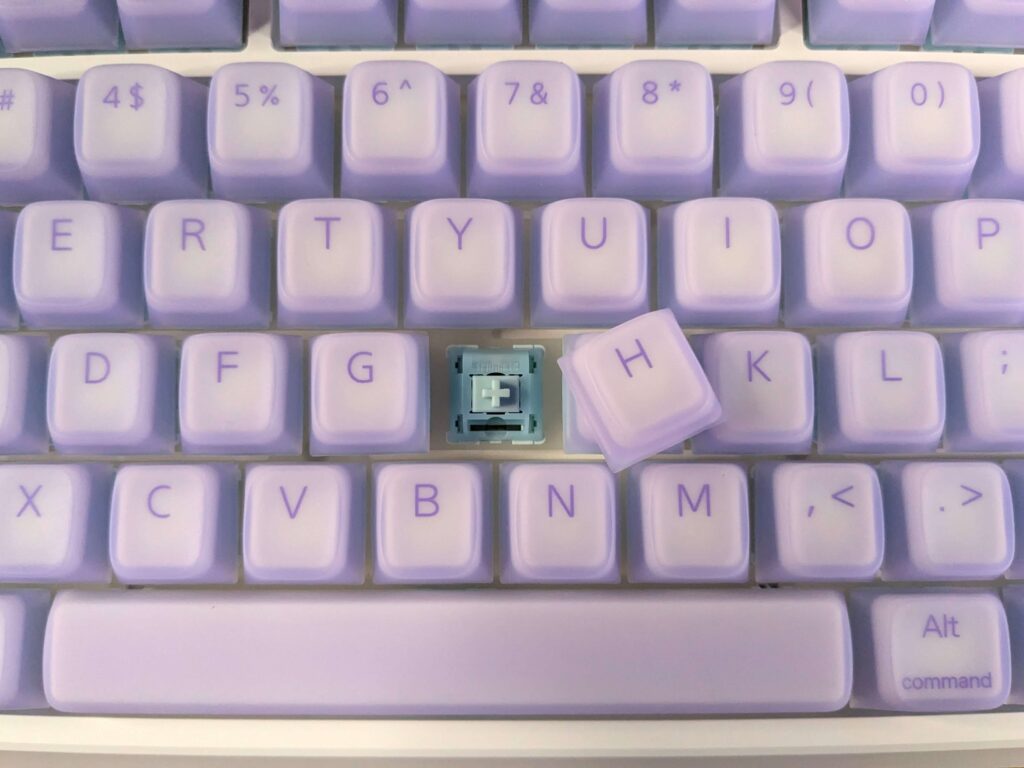
The characters are printed beneath the translucent surface, so wear isn’t a concern, though they do appear slightly blurry up close. More importantly, during longer sessions I did notice the surface developing a slightly chalky texture, not unpleasant, but something to be aware of if you’re sensitive to keycap feel. These keycaps genuinely split opinion, and that’s fair. If they’re not for you, swapping in a standard set is straightforward thanks to the hot-swap PCB.
Epomaker G84 Pro’s Typing Feel and Sound
The Creamy Jade linear switches come factory lubed, and it shows. Actuation sits at 45g with a 2.0mm actuation point and 3.6mm total travel, responsive enough for gaming, forgiving enough for long typing sessions. There’s no wobble or chatter, and the POM stem gives the travel a smooth, consistent glide throughout.
The sound is where the Epomaker G84 Pro genuinely impresses. Five layers of dampening, silicone base, PORON sandwich foam, PET film, and sound-insulating pads, paired with a gasket mount and polycarbonate flex-cut plate produce a deep, creamy thock that’s among the best I’ve heard at this price point. It’s the kind of sound that makes you type things just to hear it.
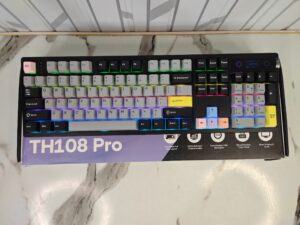
Want to buy a Full sized keyboard? Epomaker TH108 Pro might be right choice. Check it’s review on our site.
Connectivity and Battery
The Epomaker G84 Pro covers all three connection modes: USB-C wired, 2.4GHz wireless, and Bluetooth 5.0. For gaming or anything latency-sensitive, stick to wired or 2.4GHz, both deliver a 1000Hz polling rate and a 2–5ms response time. Bluetooth drops to 125Hz and around 11ms, which is noticeably less responsive and not something I’d recommend for competitive play.
Battery life in Epomaker G84 Pro is genuinely impressive. The 8,000mAh cell delivers around 42–48 hours with both RGB and the screen active, and up to 200 hours with both off. In real-world use, running via 2.4GHz with the screen on and RGB off, I got well over 10 days at more than 10 hours of daily use. That’s exceptional for a wireless keyboard.
Software
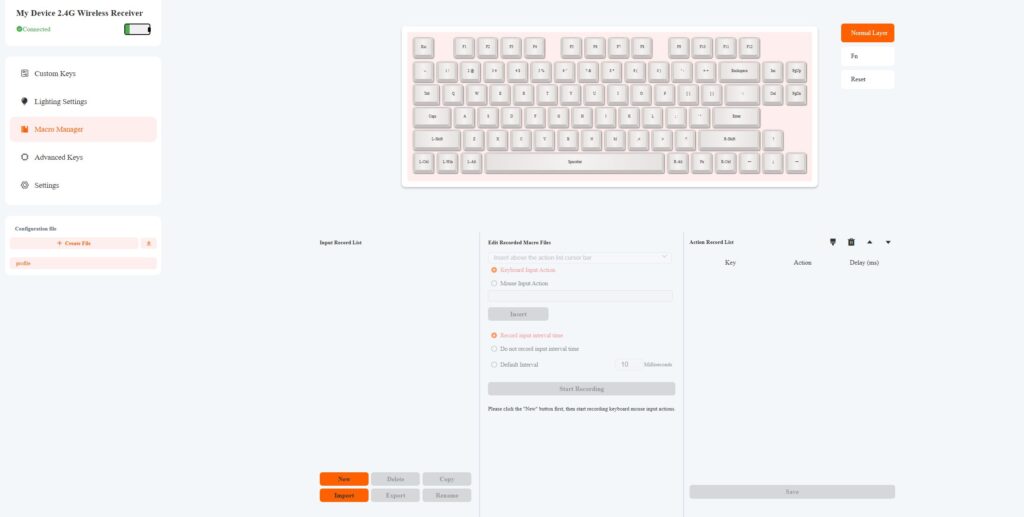
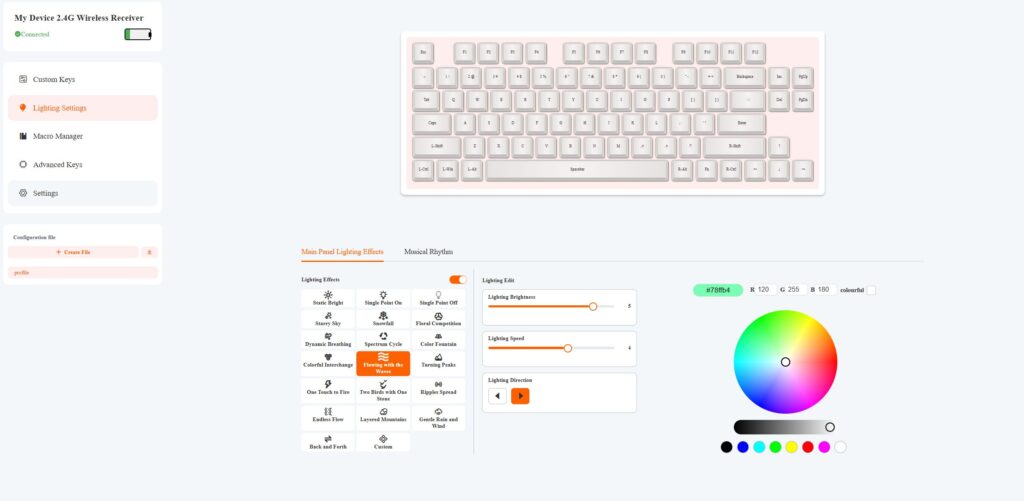
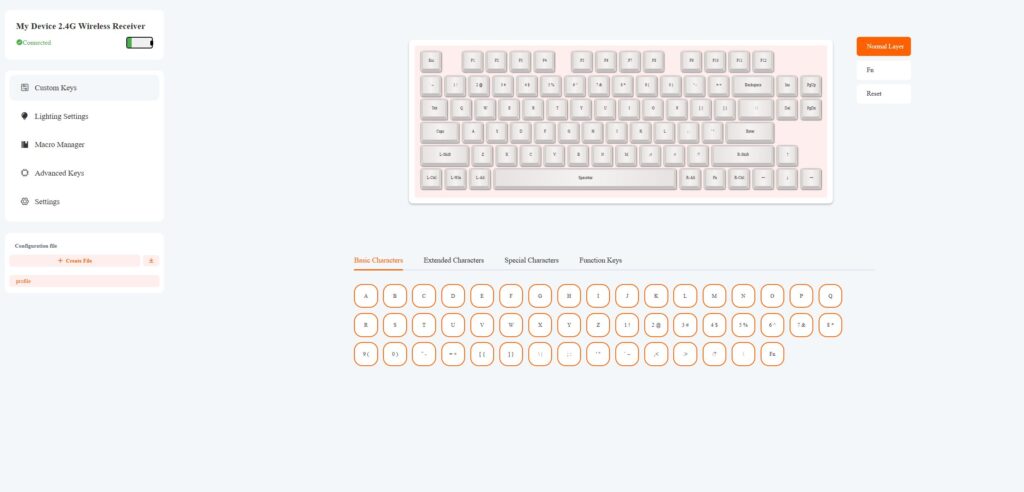
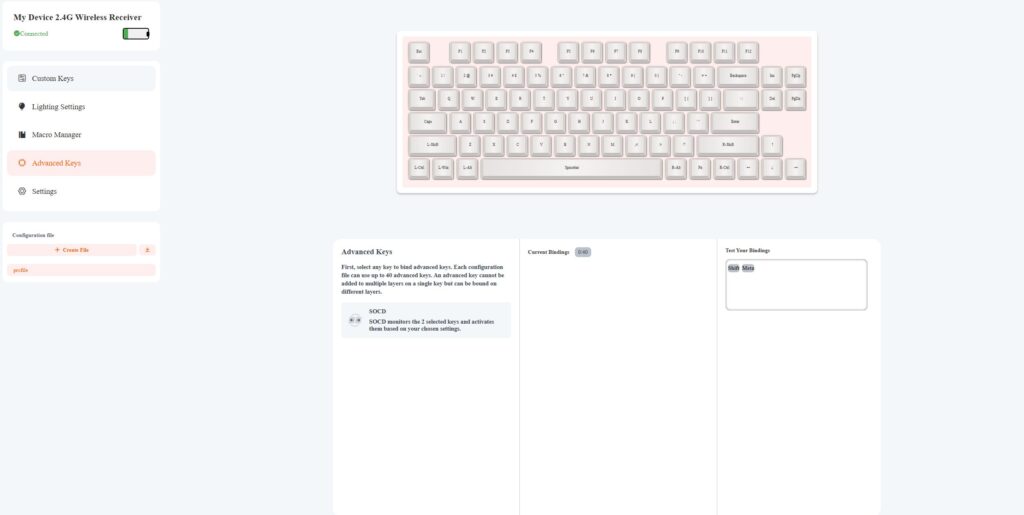
Epomaker G84 Pro’s configuration is handled through a web-based platform accessible in any browser, no app download required. It covers key remapping, macros, RGB mode selection, GIF uploads, SOCD configuration, and firmware updates. SOCD support at this price point is genuinely rare and worth highlighting for competitive players. The interface is clean and intuitive; set it up once and you can largely forget about it.
Pros
- Outstanding sound profile for the price
- Factory-lubed Creamy Jade switches feel smooth out of the box
- Silicone keycaps offer a uniquely soft, comfortable typing feel
- Excellent RGB diffusion through translucent keycaps
- Hot-swappable PCB supports 3-pin and 5-pin MX switches
- Exceptional battery life, real-world use well over 10 days
- Customisable TFT display is a genuinely useful feature
- Aluminium rotary knob feels and functions great
- SOCD support via software, rare at this price
- Web-based software is clean and easy to use
Cons
- ABS plastic case is a step down from what aluminium would offer
- TFT screen brightness is modest, hard to see in bright environments
- Screen customisation requires a wired connection
- Silicone keycaps can develop a chalky texture during long sessions
- RGB lighting may feel overwhelming for some users
- Bluetooth polling rate drops significantly, not suitable for competitive gaming
Verdict
The Epomaker G84 Pro isn’t a perfect keyboard, but it’s a remarkably well-rounded one. The sound alone is worth the price of entry, the battery life is class-leading, and the feature set, screen, rotary knob, SOCD support, hot-swap PCB, punches well above its bracket. The plastic chassis and polarising silicone keycaps are real trade-offs, but neither is a dealbreaker.
If you’re after a feature-packed wireless mechanical keyboard that sounds great and lasts for days, the Epomaker G84 Pro deserves a serious look.
For more reviews like this, check out our dedicated review section!