We have reviewed quite a few Epomaker keyboards over the year, including the Luma40. So when the Epomaker Luma100 arrived on our desk, we were naturally excited to see what it had to offer. Unlike many traditional mechanical keyboards that focus on a bulky design, the Epomaker Luma100 takes a more modern approach with its low-profile layout and sleek aluminum construction.
On paper, the Epomaker Luma100 comes packed with features, including a 96% layout with a dedicated numpad, tri-mode connectivity, hot-swappable low-profile switches, RGB lighting, and VIA support. These specifications make it an interesting option for users looking for a keyboard that can handle both productivity and everyday use.
But specifications only tell part of the story. In this review, we’ll take a closer look at the Epomaker Luma100 to see how it performs in daily use and whether it lives up to expectations.
Unboxing
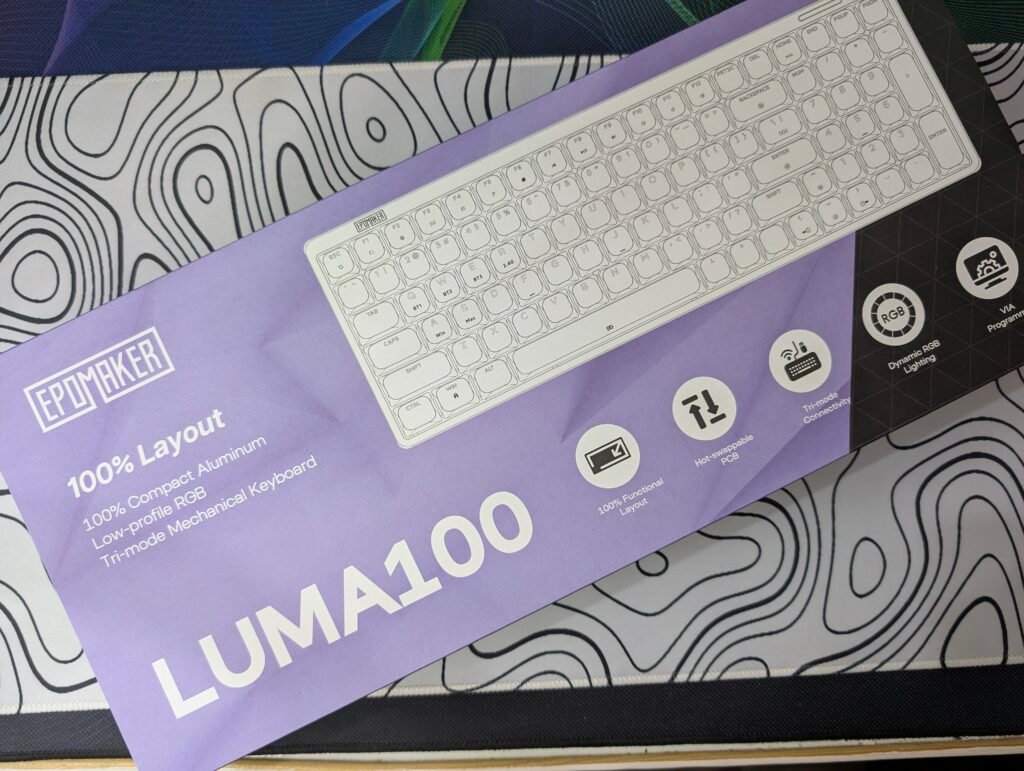
The Epomaker Luma100 arrives in a large purple retail box that immediately stands out. The front of the box showcases an outline image of the keyboard along with some of its main features. These include its 100% functional layout, compact aluminum construction, hot-swappable PCB, tri-mode connectivity, RGB lighting, and VIA programming support. The purple and black color combination gives the packaging a premium look.
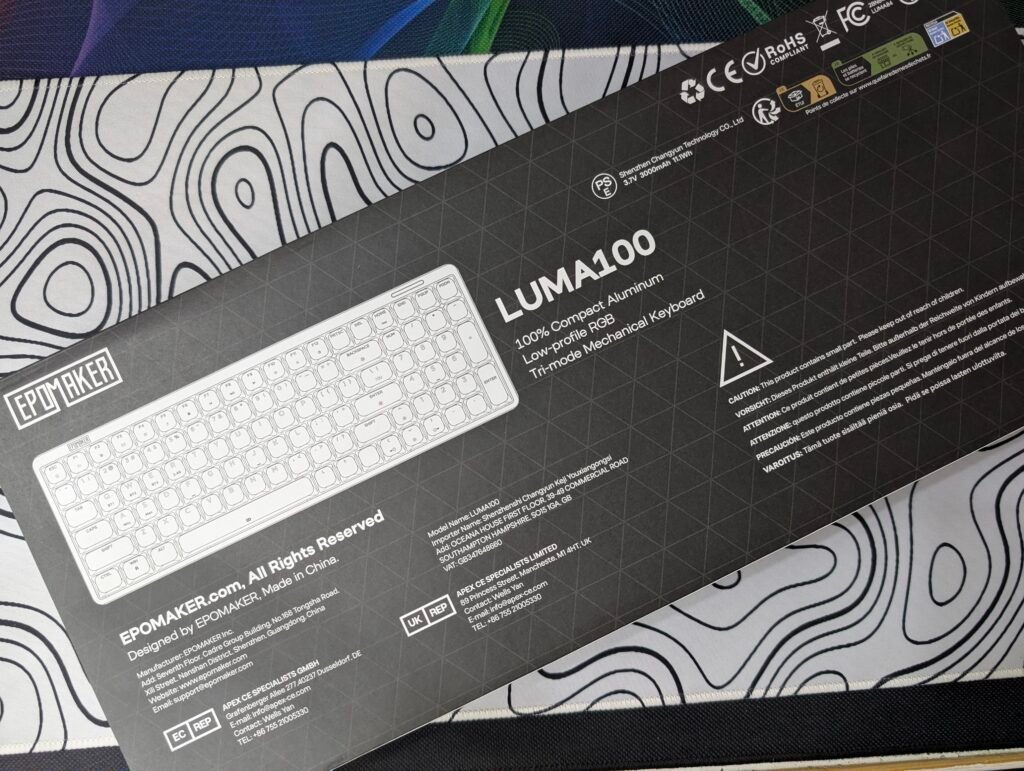
Turning the box around, the back provides additional product information, compliance markings, and a simple keyboard layout diagram. The packaging is clean and informative without being cluttered.
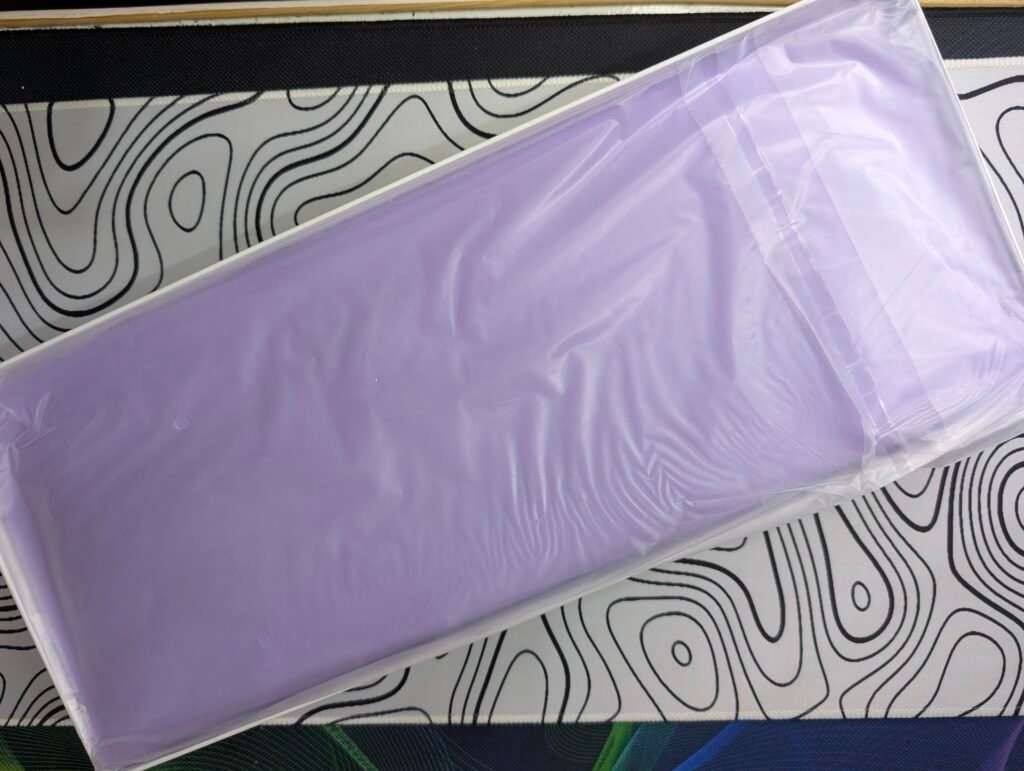
Opening the box reveals one of the nicest presentations we have seen from Epomaker. The first thing that catches the eye is the purple leather-style protective sleeve that houses the keyboard. It not only looks premium but also adds extra protection during shipping and storage.
Inside the box, we found:
- Epomaker Luma100 keyboard
- Purple leather-style carrying sleeve
- Braided USB Type-C cable
- 2.4GHz wireless dongle
- Keycap and switch puller tool
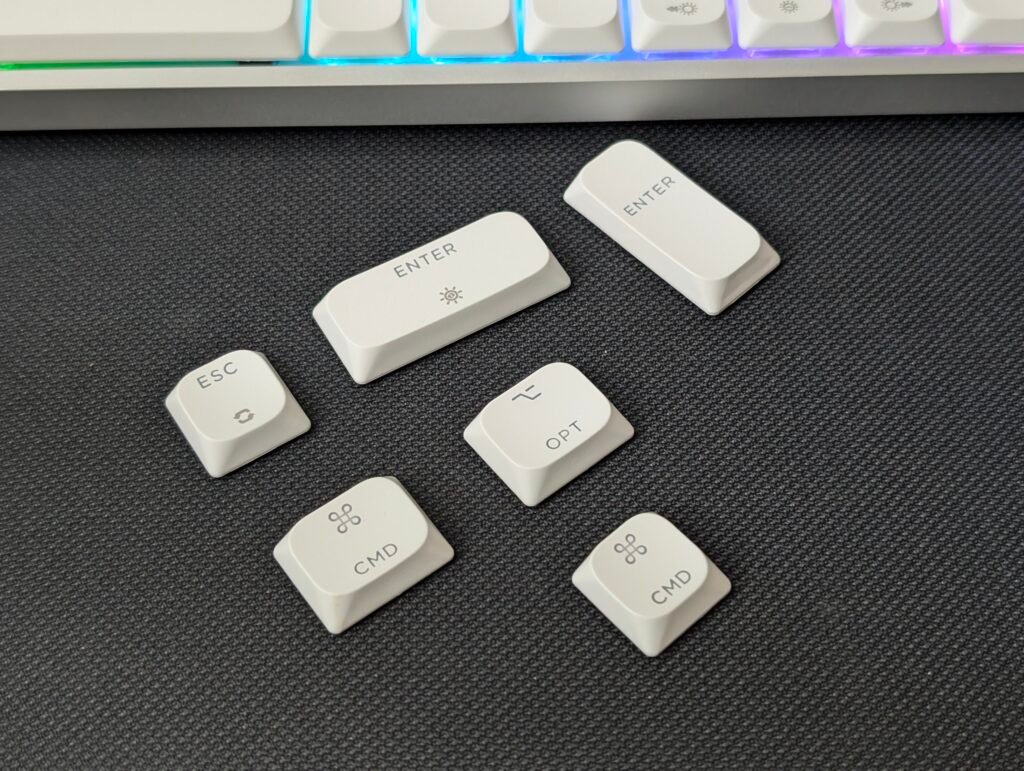
- Extra keycaps
- Spare low-profile switches
- Cleaning cloth
- User manual and quick start guide
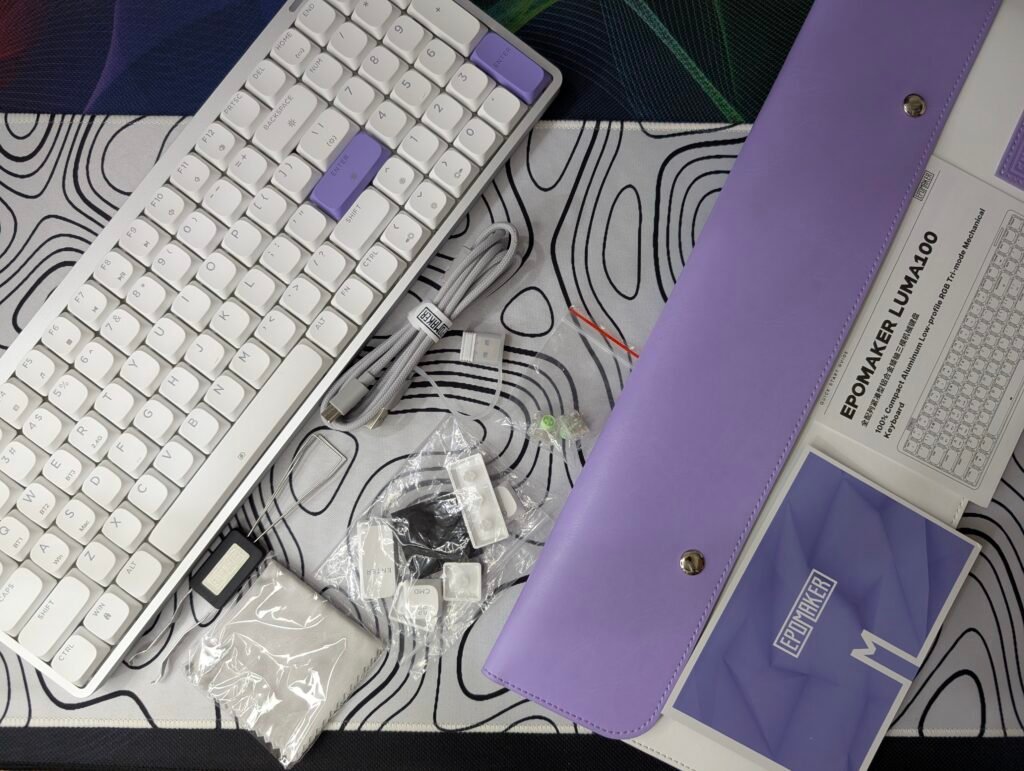
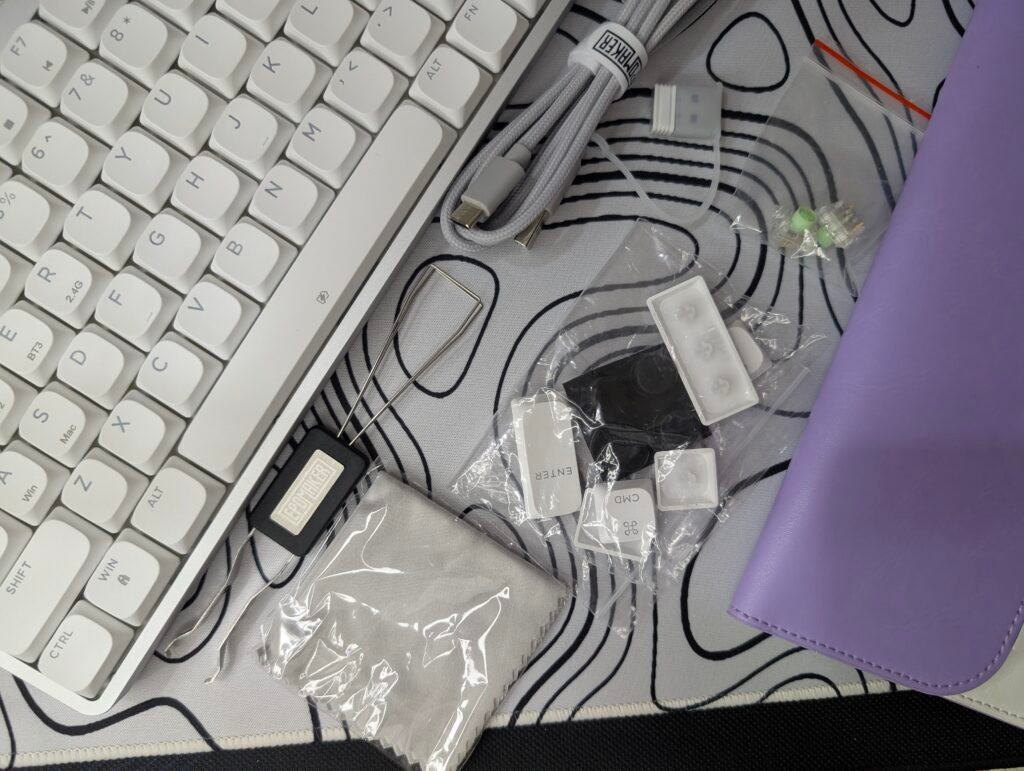
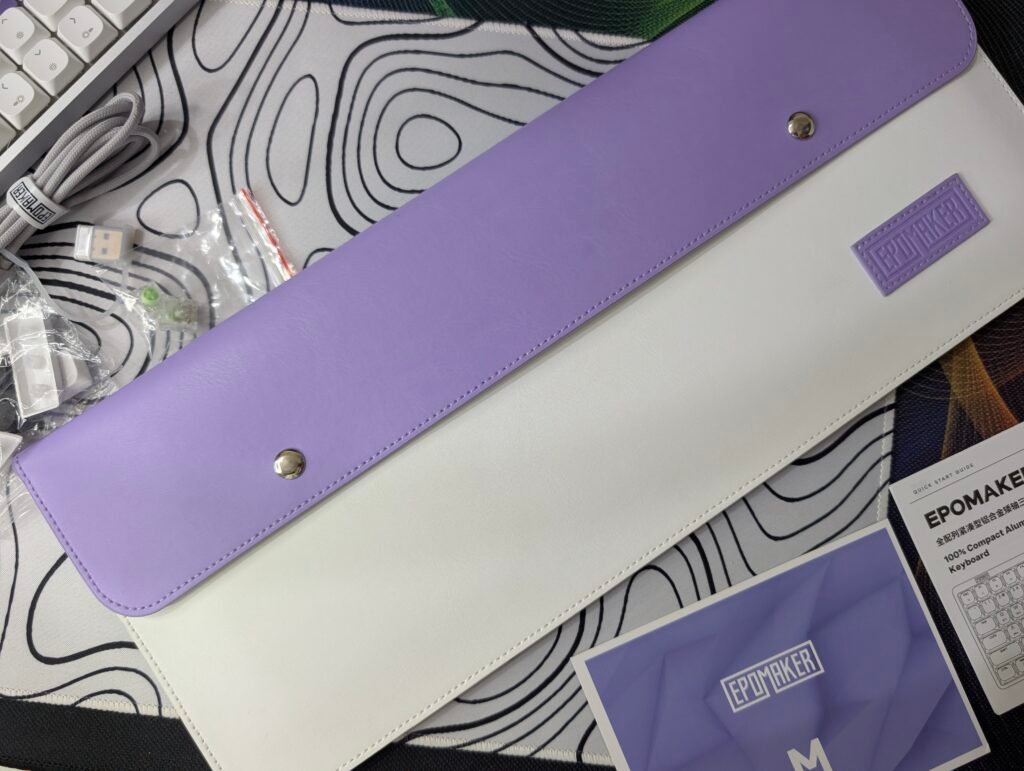
The included accessories are generous, especially for a keyboard in this price range. We particularly liked the carrying sleeve, as it makes the Epomaker Luma100 easier to transport and helps keep the keyboard protected when not in use. The extra keycaps and spare switches are also a welcome addition for users who enjoy customization.
EPOMAKER LUMA100 specification
| Specification | Details |
|---|---|
| Brand | Epomaker |
| Model | Luma100 |
| Layout | 96% ANSI US Layout |
| Number of Keys | 100 Keys |
| Battery | 3000mAh |
| Connectivity | Tri-Mode (2.4GHz Wireless, Bluetooth, USB-C Wired) |
| Compatibility | Windows, macOS, Android |
| Front Height | 23mm |
| Rear Height | 25.5mm |
| Case Material | Anodized Aluminum |
| Plate Material | PC (Polycarbonate) |
| Stabilizers | Gateron Low-Profile Stabilizers |
| Mounting Structure | Gasket Mount |
| Sound Dampening | Sandwich Foam, Switch Pad, Sound Enhancement Pad, Switch Socket Foam, Bottom Sound-Absorbing Foam |
| Keycap Profile | DSA Low-Profile |
| Keycap Material | Double-Shot ABS |
| Hot-Swappable | Yes (Supports Low-Profile Switches) |
| RGB Lighting | Per-Key North-Facing LEDs with Static, Dynamic, Single Color, and RGB Effects |
| Polling Rate | 1000Hz (USB & 2.4GHz), 125Hz (Bluetooth) |
| Dimensions | 371 × 128.5 × 25.5 mm |
| Weight | 730g (0.73kg) |
EPOMAKER Luma100 Price
| EPOMAKER Official Store | $119.0 |
A Closer Look
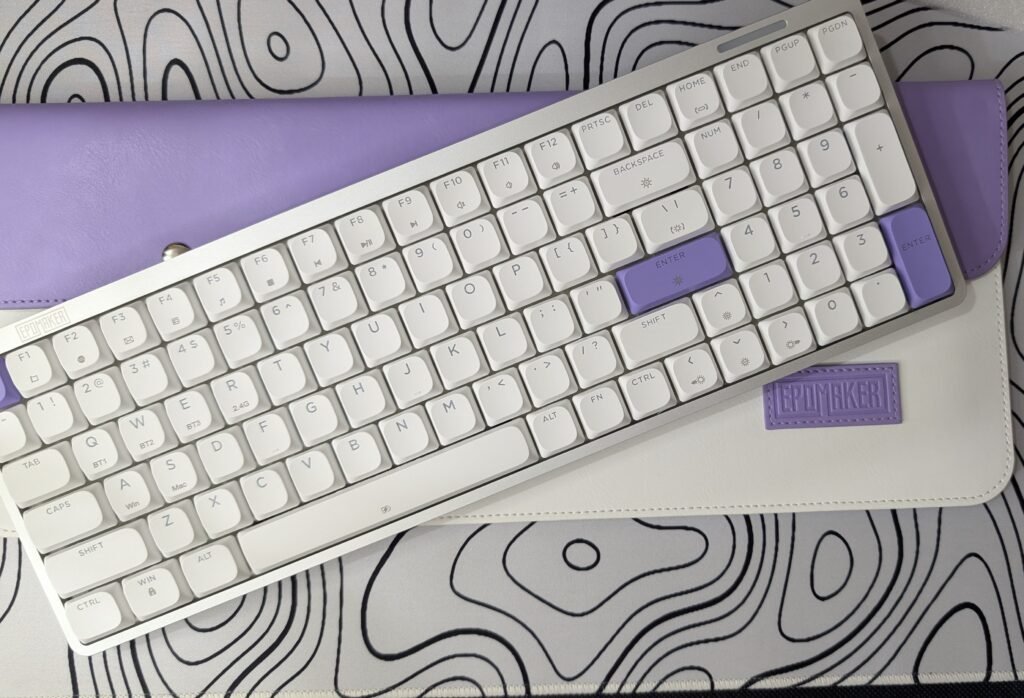
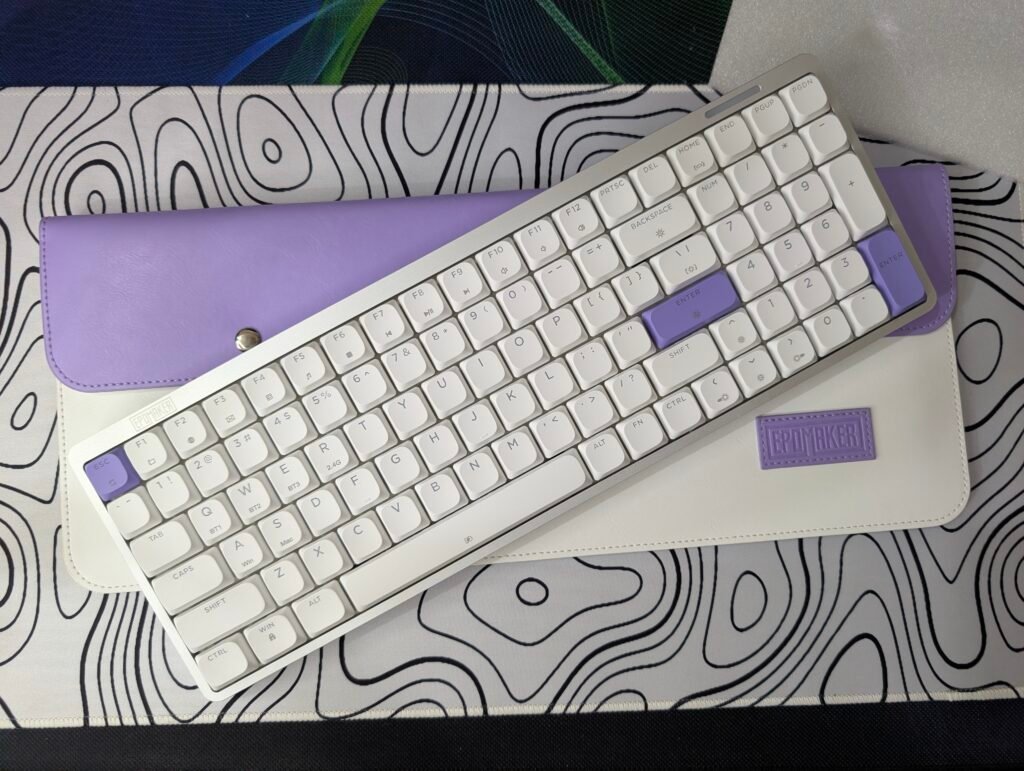
The Epomaker Luma100 features a clean and modern design with a silver anodized aluminum chassis, white low-profile keycaps, and purple accent keys for the Escape and Enter keys. At the top-left corner, the Epomaker logo is engraved into the aluminum frame, giving the keyboard a premium touch. On the top-right edge, there is a slim RGB light bar that displays battery, charging, and lighting effects while also adding a unique design element.
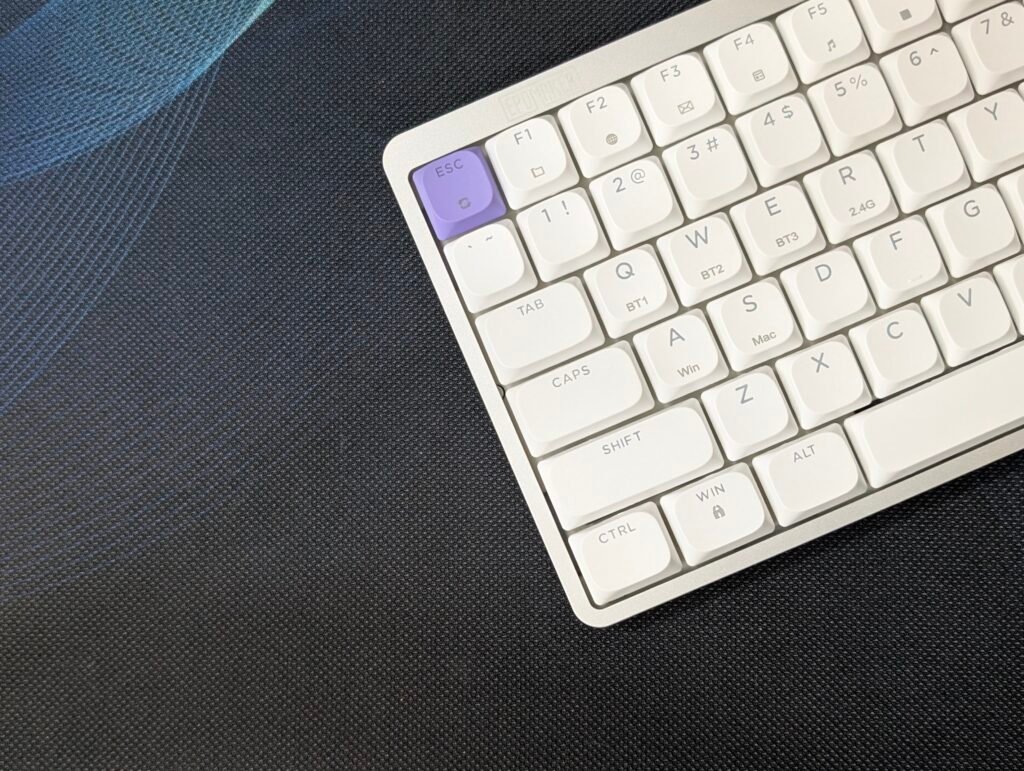
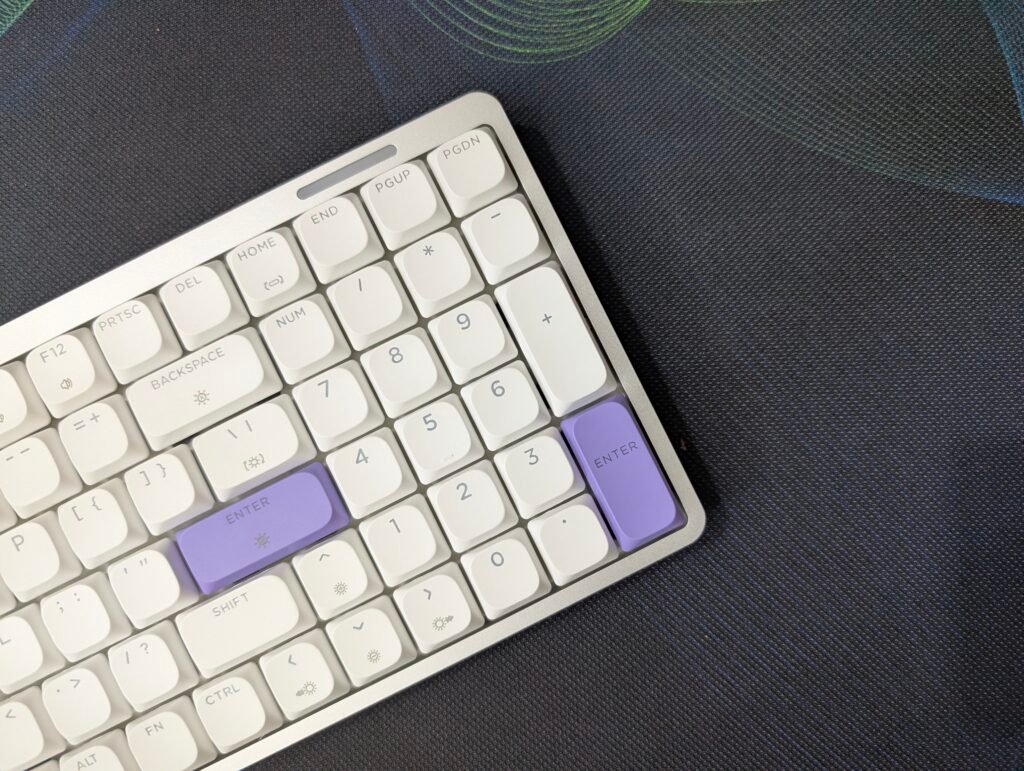
The keyboard uses a compact 96% layout, so you still get a dedicated number pad and navigation keys without taking up as much desk space as a traditional full-size keyboard. The low-profile DSA ABS keycaps sit neatly inside the aluminum frame, giving the keyboard a clean and minimal appearance.
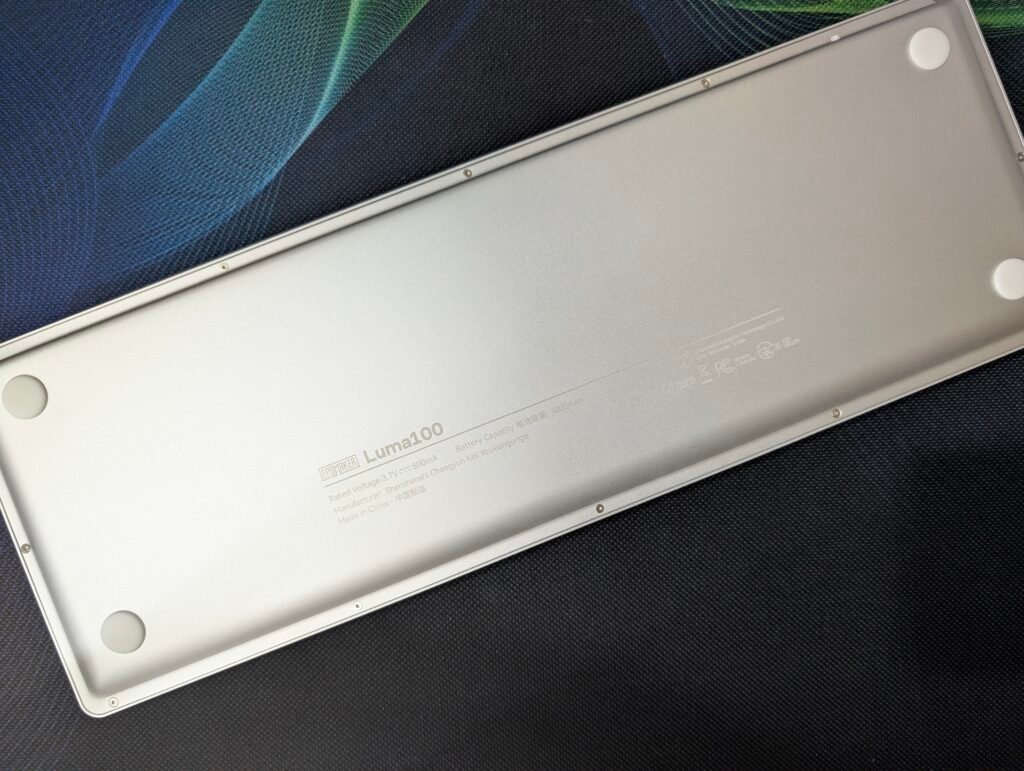
Flipping the Epomaker Luma100 over reveals an equally simple design. The aluminum bottom plate has a clean finish with the model name and basic product information printed in the center. Four large rubber feet are placed at each corner to keep the keyboard stable during use, while multiple screws secure the metal chassis together.
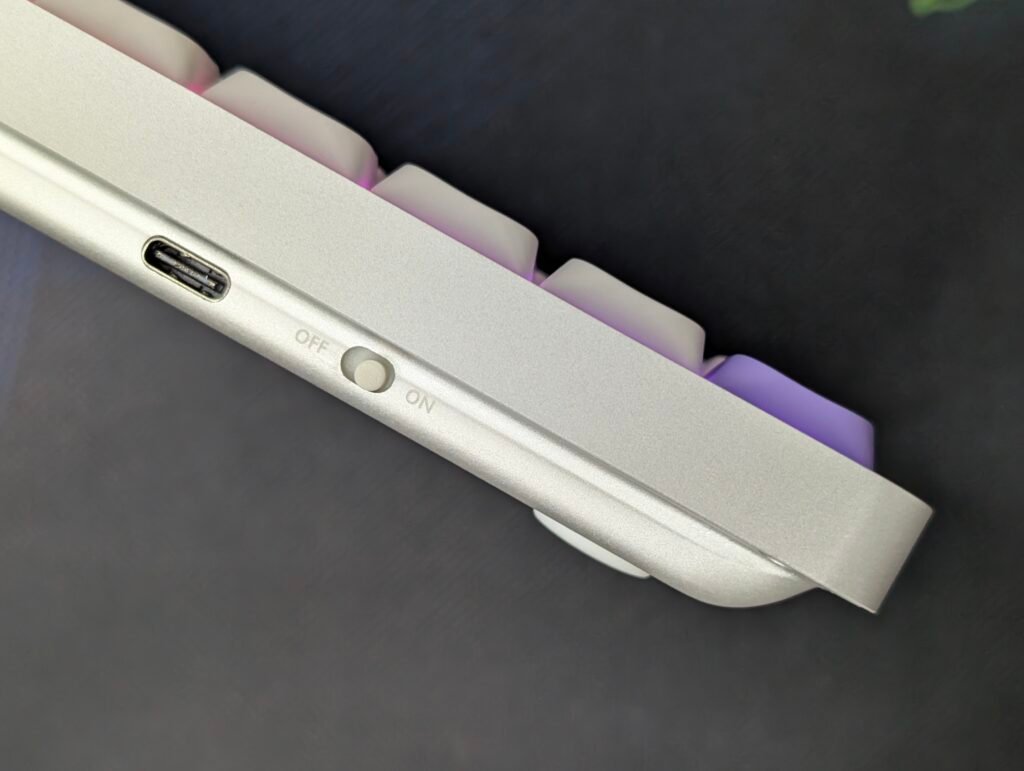
Along the rear edge, Epomaker has placed the USB Type-C port for charging and wired connectivity. Right next to it is a simple ON/OFF power switch, making it easy to switch between wired and wireless operation. The rear remains uncluttered with only these two controls, helping maintain the keyboard’s minimalist design.
Keycaps and Switches
The Epomaker Luma100 comes equipped with DSA low-profile keycaps made from double-shot ABS plastic. The low-profile design helps keep the keyboard slim while also providing a comfortable typing experience. The legends are clear and easy to read, and thanks to the double-shot manufacturing process, they won’t fade over time. On our Mint version, the white keycaps are complemented by purple accent keys, giving the keyboard a clean and modern appearance.
For switches, our review sample arrived with Epomaker Mint Low Profile Switches. These switches offer a smooth and responsive typing experience with shorter travel compared to traditional mechanical switches. During daily use, they felt quick and comfortable, making them well-suited for both work and casual gaming. The switches provide a noticeable tactile feel without being overly loud, striking a nice balance between feedback and noise levels.
| Specification | Details |
|---|---|
| Switch Name | EPOMAKER Low-Profile Mint Switch |
| Switch Type | Linear, Low-Profile |
| Operating Force | 50 ± 5gf |
| Pre-Travel | 1.2 ± 0.4mm |
| Total Travel Distance | 3.2 ± 0.4mm |
| Spring Length | 13mm |
| Light Diffuser | No |
| Rated Lifespan | 20 Million Keystrokes |
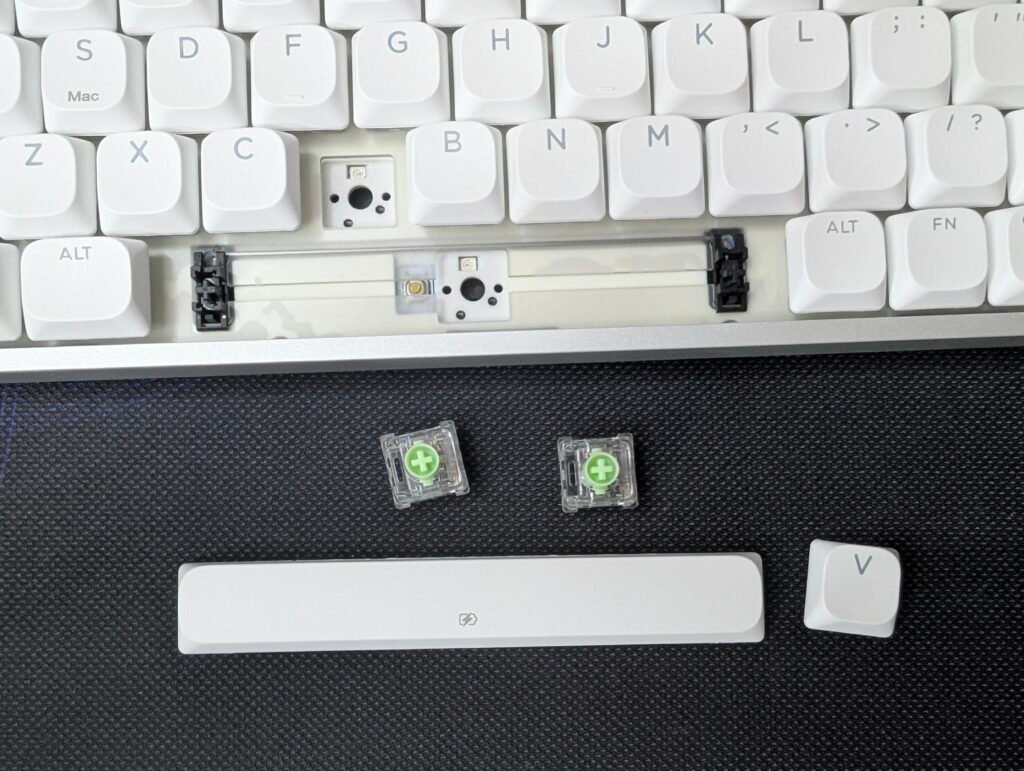
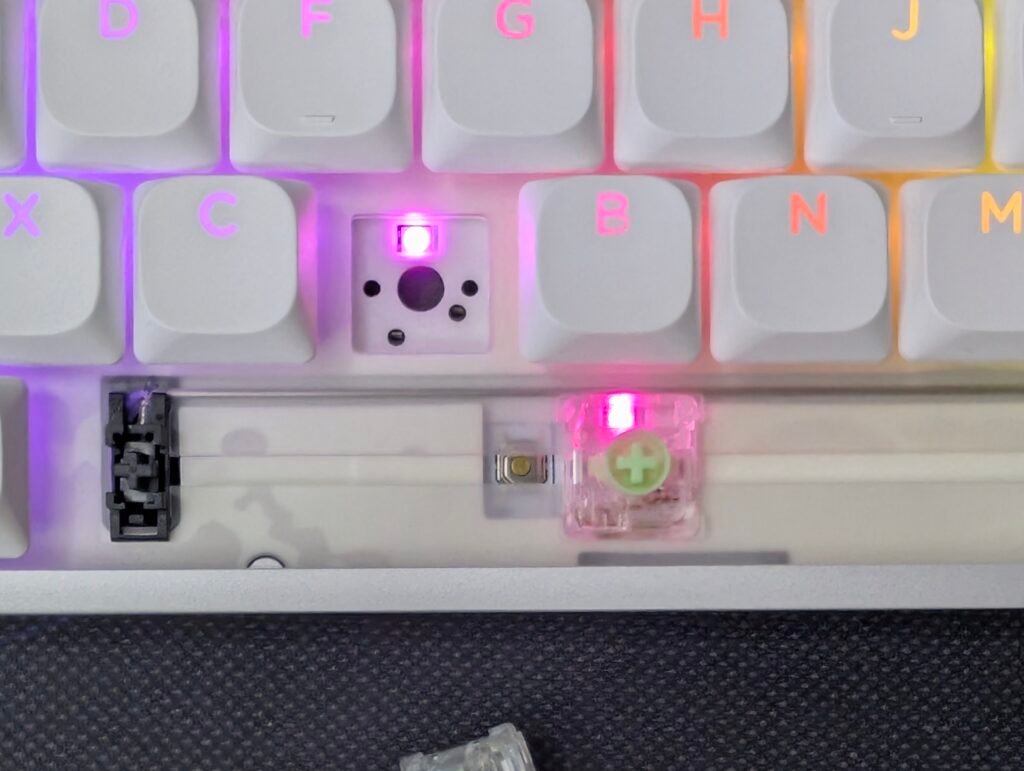
The Epomaker Luma100 also features a hot-swappable PCB, allowing users to replace switches without soldering. This makes it easy to customize the typing experience in the future or replace individual switches if needed. Combined with the keyboard’s gasket-mounted design and multiple layers of sound-dampening material, the switches produce a pleasant and refined typing sound that feels more premium than many low-profile keyboards on the market.
RGB Lighting
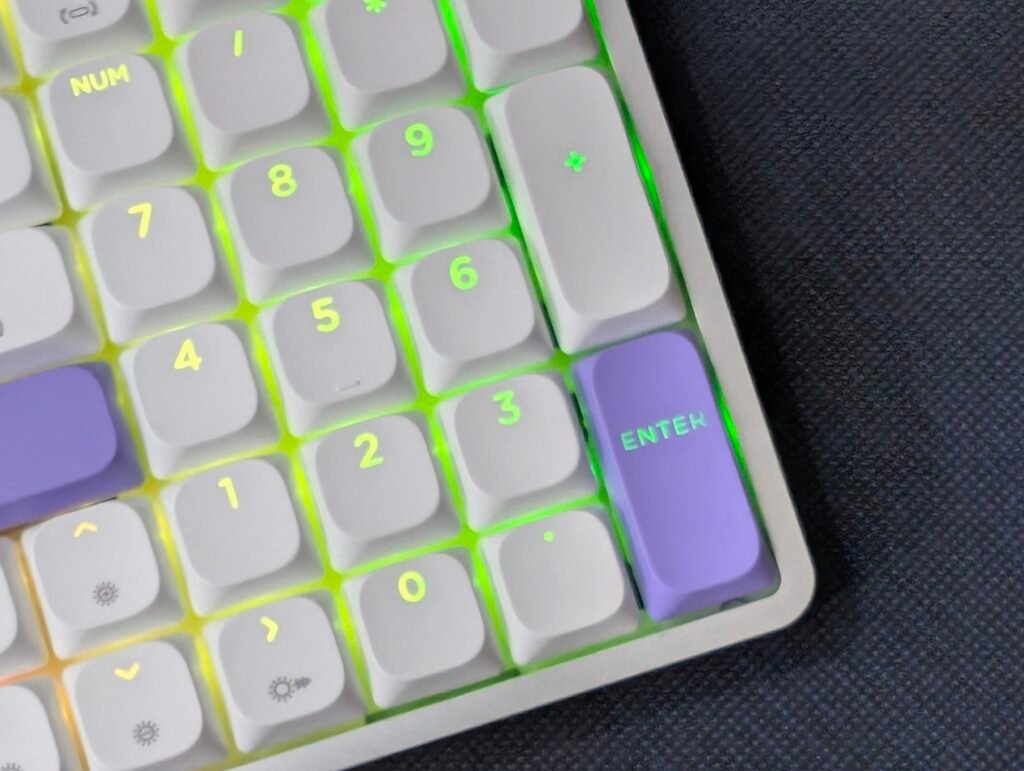
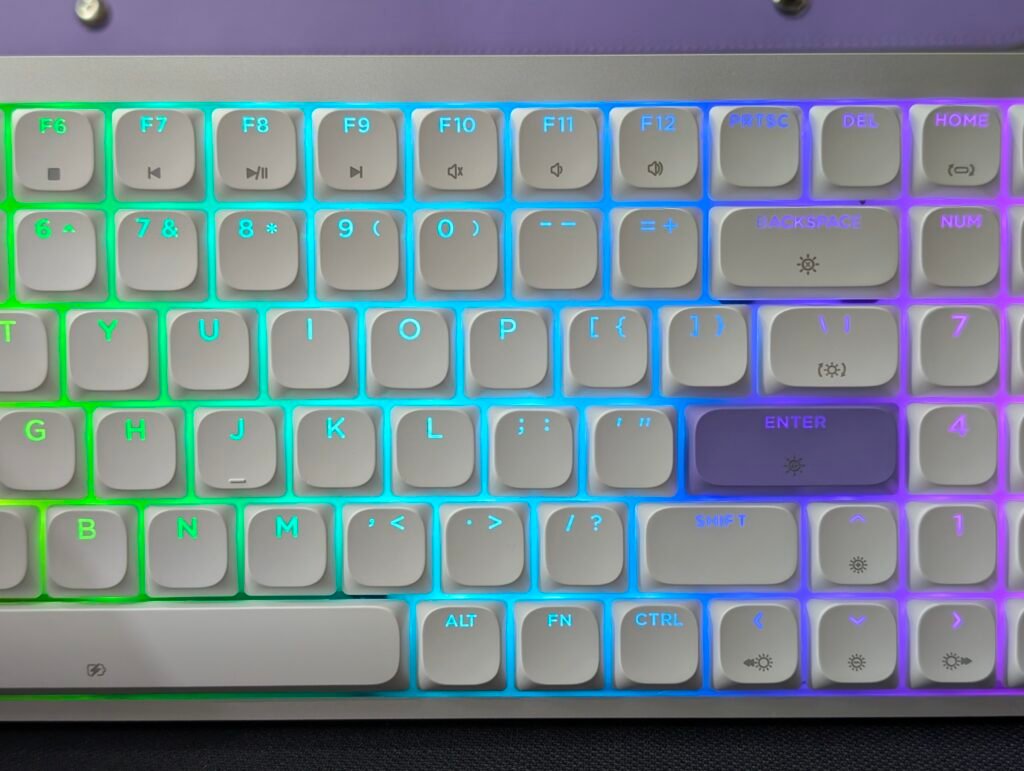
The Epomaker Luma100 features per-key RGB lighting with north-facing LEDs. The lighting shines through the key legends, making them easy to see in darker rooms. The colors look bright and clear without being too aggressive.
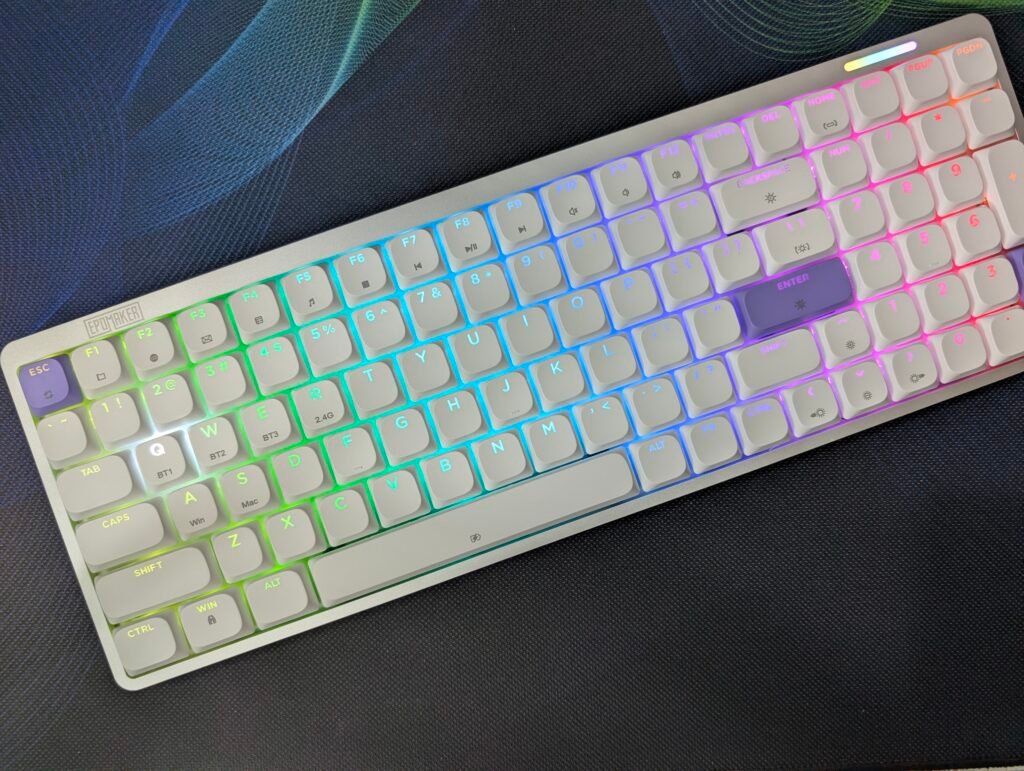
One of the highlights is the RGB light bar located above the numpad area. It adds a nice touch to the keyboard and helps it stand out from other low-profile models. During use, the light bar looked great and matched the overall design perfectly.
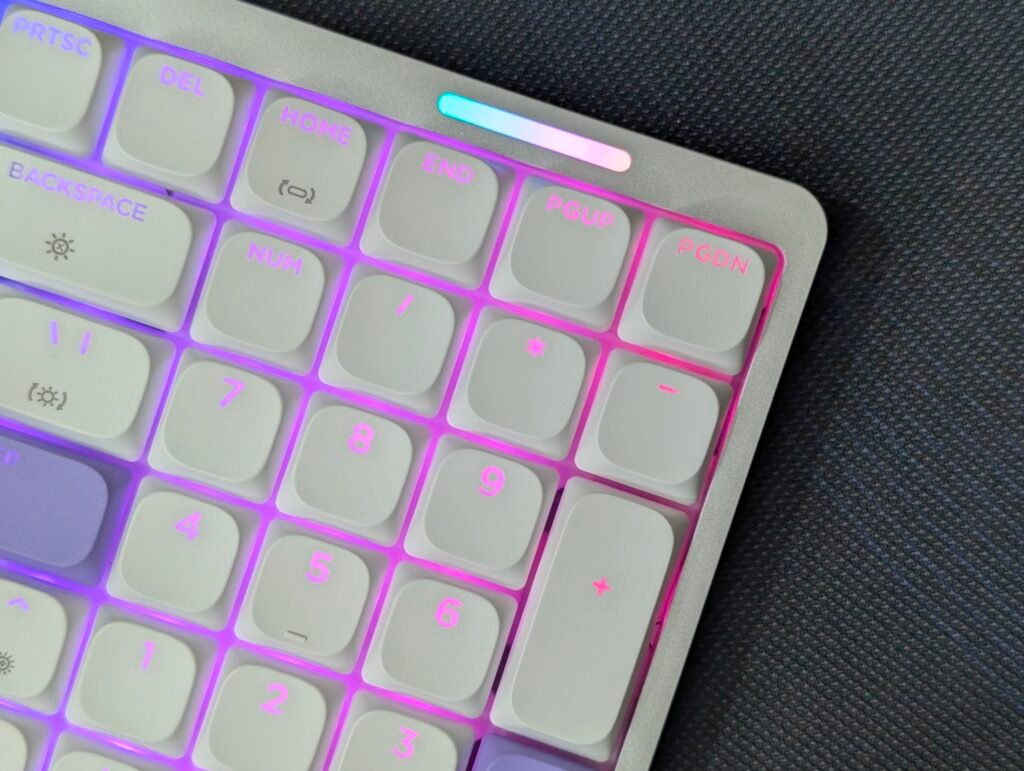
The keyboard offers several lighting modes, including static colors, dynamic effects, and full RGB patterns. Switching between effects is simple, and there are plenty of options to choose from. We mostly used a single-color effect during work, but the RGB modes looked impressive when showing off the keyboard.
Connectivity and Battery
The Epomaker Luma100 offers plenty of flexibility thanks to its tri-mode connectivity. Users can connect through Bluetooth 5.0, 2.4GHz wireless, or a USB Type-C wired connection. This makes it easy to use the keyboard with desktops, laptops, tablets, and other compatible devices.
Bluetooth pairing is simple. The keyboard can store up to three Bluetooth devices at the same time. Holding FN + Q, W, or E puts the keyboard into pairing mode, allowing users to connect to devices listed as Luma100-1, Luma100-2, or Luma100-3. Once paired, switching between connected devices only requires a quick press of the corresponding shortcut key.
For users who prefer a stronger wireless connection, the included 2.4GHz dongle provides a fast and reliable experience. Pairing is straightforward and can be completed in seconds. During our testing, both Bluetooth and 2.4GHz modes worked flawlessly with no noticeable delays while typing.
If you prefer a wired setup, simply connect the included USB Type-C cable and switch the keyboard to wired mode. The keyboard supports a 1000Hz polling rate in both wired and 2.4GHz modes, while Bluetooth operates at 125Hz.
The Epomaker Luma100 is powered by a 3000mAh battery, which is more than enough for daily work and general use. Checking the battery level is easy by holding FN + Space. The number keys light up to show the remaining battery percentage, allowing users to quickly see how much charge is left.
To help extend battery life, the keyboard includes a battery-saving mode. After five minutes of inactivity, the backlighting automatically turns off. Pressing any key instantly wakes the keyboard and restores normal operation. The keyboard can also charge while being used, whether in wired or wireless mode, making it convenient for everyday use.
VIA Software
One of the standout features of the Epomaker Luma100 is its support for VIA, a popular keyboard customization tool that allows users to remap keys and create macros without installing heavy software.
Getting started is fairly simple. Users need to connect the keyboard using a wired USB-C connection, visit the VIA website, and load the dedicated Epomaker Luma100 JSON file. Once loaded, the keyboard layout appears inside VIA, giving access to all programmable functions and customization options.
Through VIA, users can remap keys, assign shortcuts, create macros, and adjust the keyboard layout to better suit their workflow. This is especially useful for content creators, office users, and anyone who regularly uses keyboard shortcuts.
During our testing, VIA worked as expected and provided a straightforward customization experience. The interface is easy to understand, even for users who have never customized a keyboard before. We also appreciate that Epomaker chose VIA instead of requiring a separate software download, making the Epomaker Luma100 more convenient to set up and customize.
For users who enjoy personalizing their keyboards, VIA support adds significant value and makes the Epomaker Luma100 a much more flexible option than many competing low-profile keyboards.
User Experience
Using the Epomaker Luma100 daily was a very enjoyable experience. The keyboard feels premium from the moment you place it on your desk. Its anodized aluminum body gives it a solid feel, while the low-profile design keeps it looking clean and modern. Even though it is a low-profile keyboard, it never feels cheap or flimsy. The 96% layout proved very practical during our testing. We still had access to a dedicated numpad for work and spreadsheets, but the keyboard took up less space than a traditional full-size model, leaving more room for mouse movement.
Another feature we really liked was the included leather-style sleeve. It is a simple addition, but it makes the Epomaker Luma100 much easier to carry around. At only 730g, the keyboard is lightweight enough for travel, and the sleeve helps keep it protected. The Mint Low-Profile switches felt smooth and comfortable during long typing sessions, while the tri-mode connectivity made switching between devices quick and easy. Add in the subtle RGB lighting, VIA support, and reliable wireless performance, and the Epomaker Luma100 becomes a keyboard that is easy to use and enjoy every day.
Final Thoughts
The Epomaker Luma100 is a well-rounded keyboard that gets a lot of things right. It combines a premium anodized aluminum build, comfortable low-profile switches, tri-mode connectivity, VIA support, and attractive RGB lighting in a compact package. The lightweight design and included leather-style sleeve make it easy to carry, whether you’re moving between rooms, offices, or taking it on the road.
The keyboard comes with a 3000mAh battery. Considering the slim low-profile design, we would have liked to see a slightly larger battery. However, during our testing, the battery still delivered good runtime for daily work and general use. The built-in power-saving mode also helps extend battery life by turning off the lighting after a period of inactivity.
While the Epomaker Luma100 is an excellent keyboard for productivity, it can also fit nicely into a gaming setup. The responsive Mint Low-Profile switches, 1000Hz polling rate in wired and 2.4GHz modes, and RGB lighting help give it some gaming appeal. It may not have the flashy design of a dedicated gaming keyboard, but its clean look and premium build make it a great choice for users who want one keyboard for both work and gaming.
If you are looking for a low-profile mechanical keyboard with a premium design, useful features, and a comfortable typing experience, the Epomaker Luma100 is definitely worth considering.