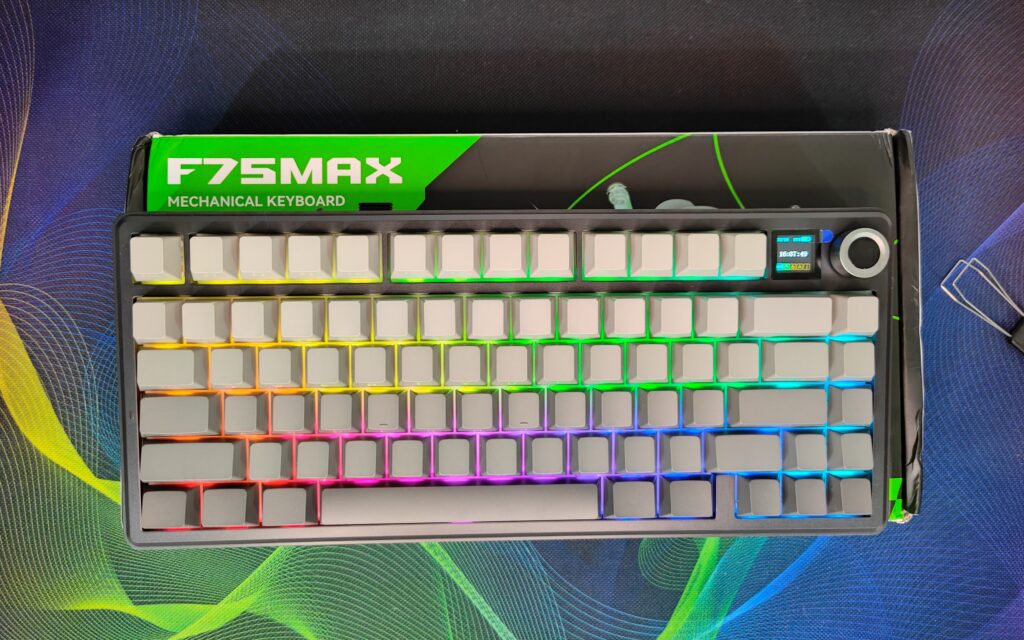
The Epomaker x Aula F75 Max is a keyboard that has quickly become very popular. It came along with Epomaker’s recently reviewed keyboards like the Luma40 and Magcore65 Lite, and it brings something special to the table. The Aula F75 Max builds on the original F75 with smart upgrades, like a TFT screen and a volume knob, making it more useful for both work and gaming.
This keyboard is a collaboration between two strong brands, Aula and Epomaker, both known for making feature-packed and reliable keyboards. Aula has fixed the missing screen from the original F75, and combined with Epomaker’s experience, the Aula F75 Max offers a complete, fun, and versatile typing experience. I want to thank Aula for sending this amazing keyboard for testing. I have used it for more than a week on my desk while doing official work and gaming, and the experience has been excellent.
Unboxing – first impressions
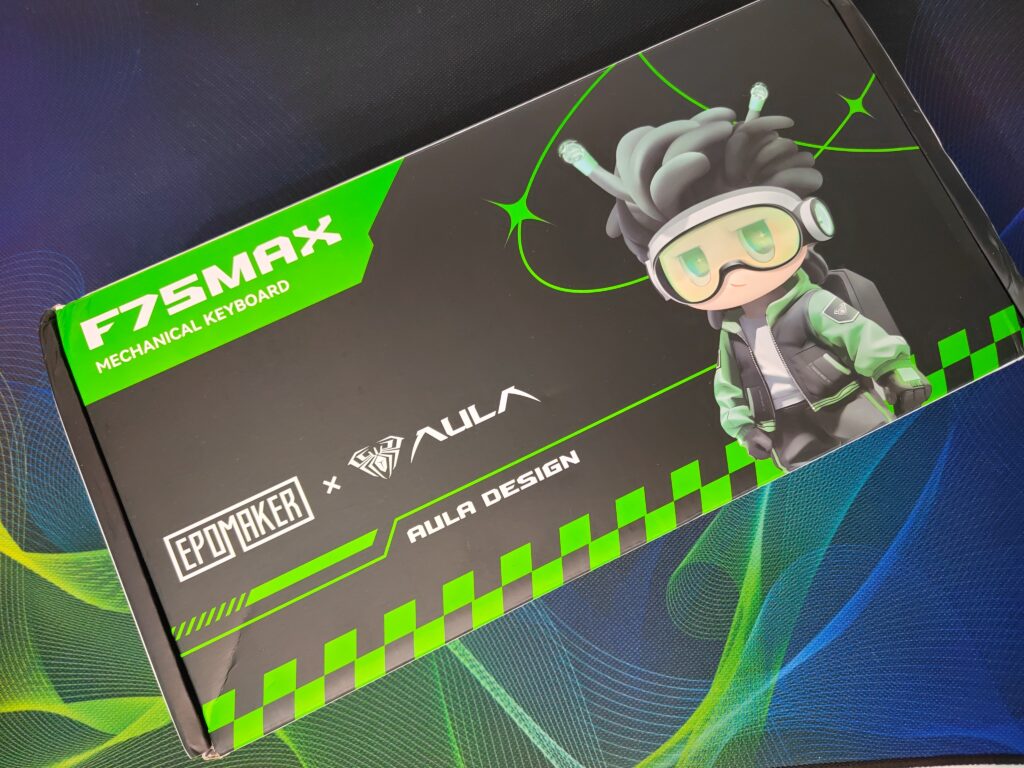
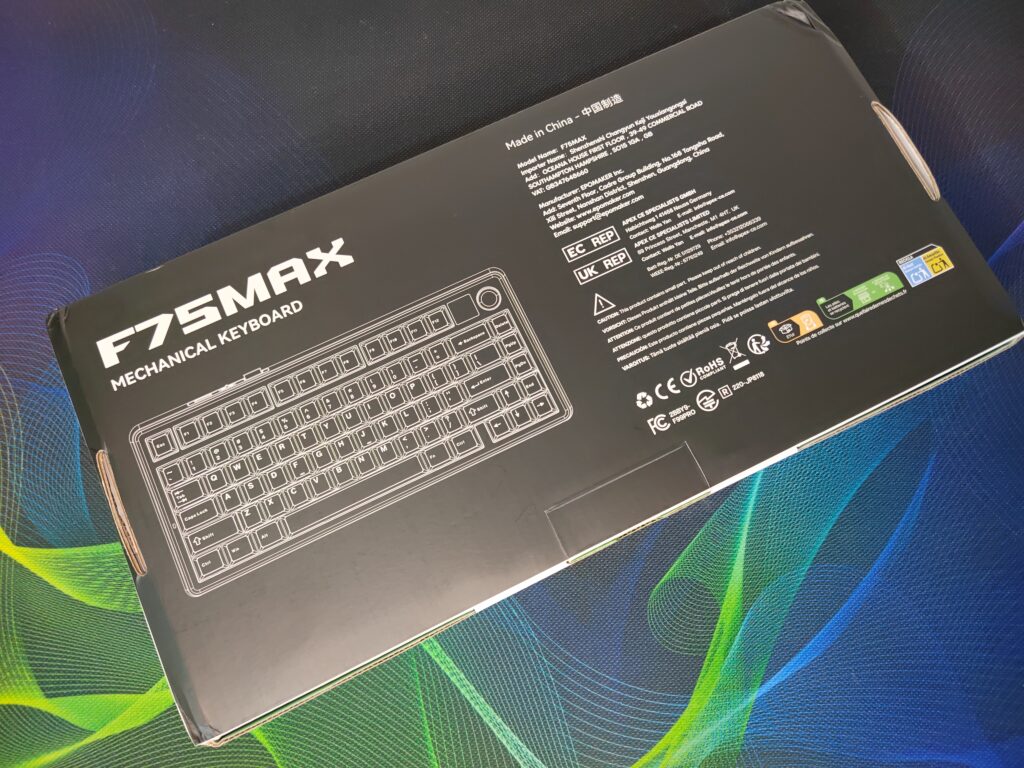
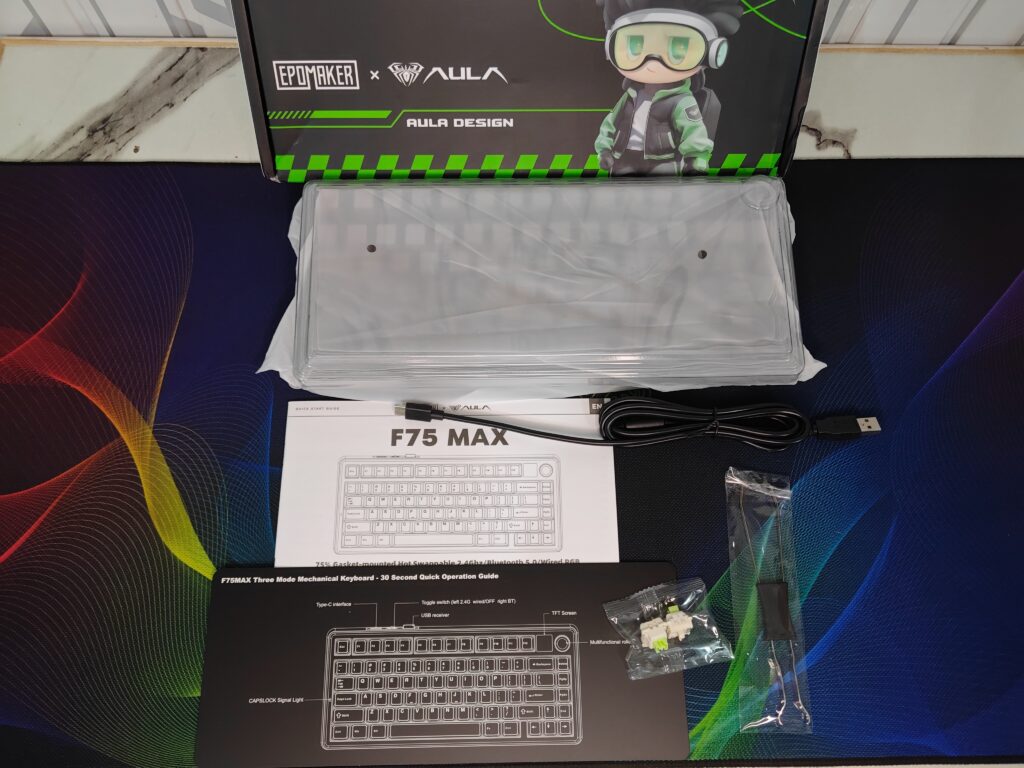
The Aula F75 Max comes in a bright, eye-catching box with a cyberpunk-inspired design. On the front, you can see Aula’s mascot Anko as a small action figure, which appears on many other Aula keyboard boxes. The green theme highlights the Epomaker x Aula branding, giving a sense of energy and modern style. The back of the box has a simple drawing of the keyboard and basic information about its features, so you immediately know what you are getting.
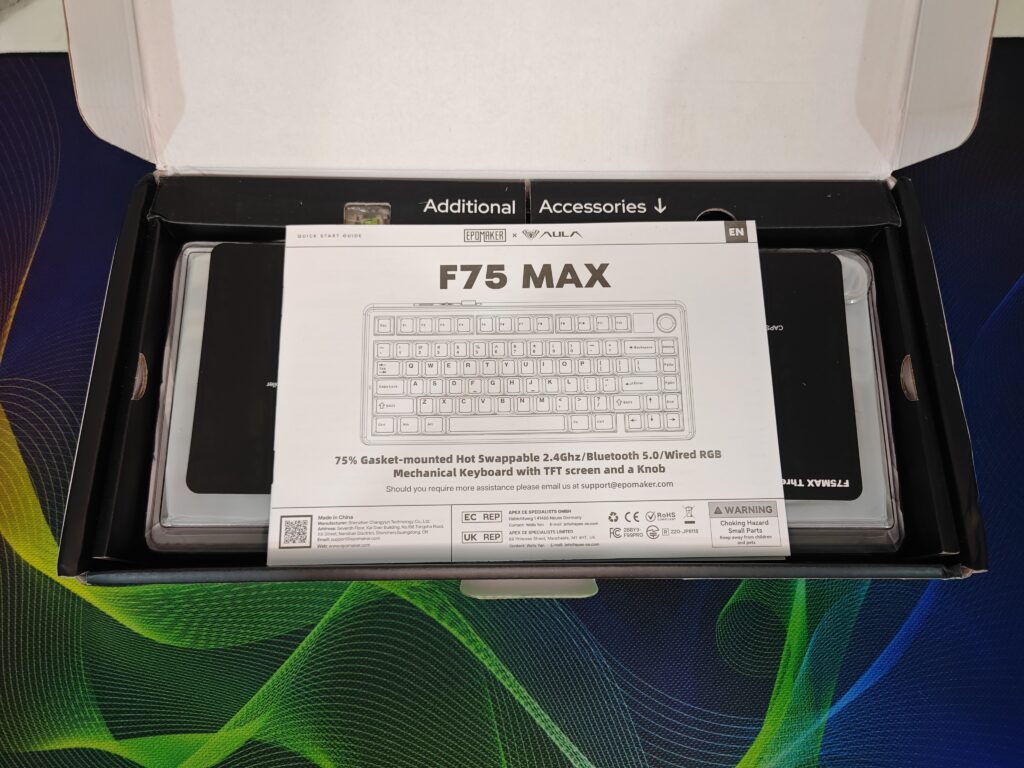
Inside, the keyboard is safe under a clear plastic cover. Accessories such as a USB-C cable, extra switches, a keycap puller, and a user manual are stored neatly in a labelled compartment. The unboxing experience feels both stylish and practical, giving a strong first impression even before turning it on.
Epomaker x Aula F75 Max Specifications
| Specification | Details |
|---|---|
| Brand | EPOMAKER x AULA |
| Model | F75 MAX |
| Number of Keys | 80 keys, 1 Metal Knob, 1 TFT Screen |
| Layout | 75% ANSI US Layout |
| Battery | 4000mAh |
| Battery Life | 30.5 hours with Backlight on, 80 hours with Backlight off |
| Connectivity | Cable Wired, 2.4GHz, Bluetooth 5.0 |
| Compatibility | Mac / Windows / Android / Linux |
| Case Material | ABS Plastic |
| Plate Material | PC Plastic |
| Flex-Cut | Partial Flex-Cut |
| Stabilizers | Plate-Mount Stabilizer |
| Mounting Structure | Gasket-Mount |
| Sound Dampening | 5 layers: Sandwich Pad, IXPE Switch Pad, PET Sound-Enhancement pad, Bottom Foam, Bottom Silicone |
| Keycaps Profile | Cherry Profile |
| Keycaps Material | PBT Plastic |
| Keycaps Manufacturing | Double-Shot |
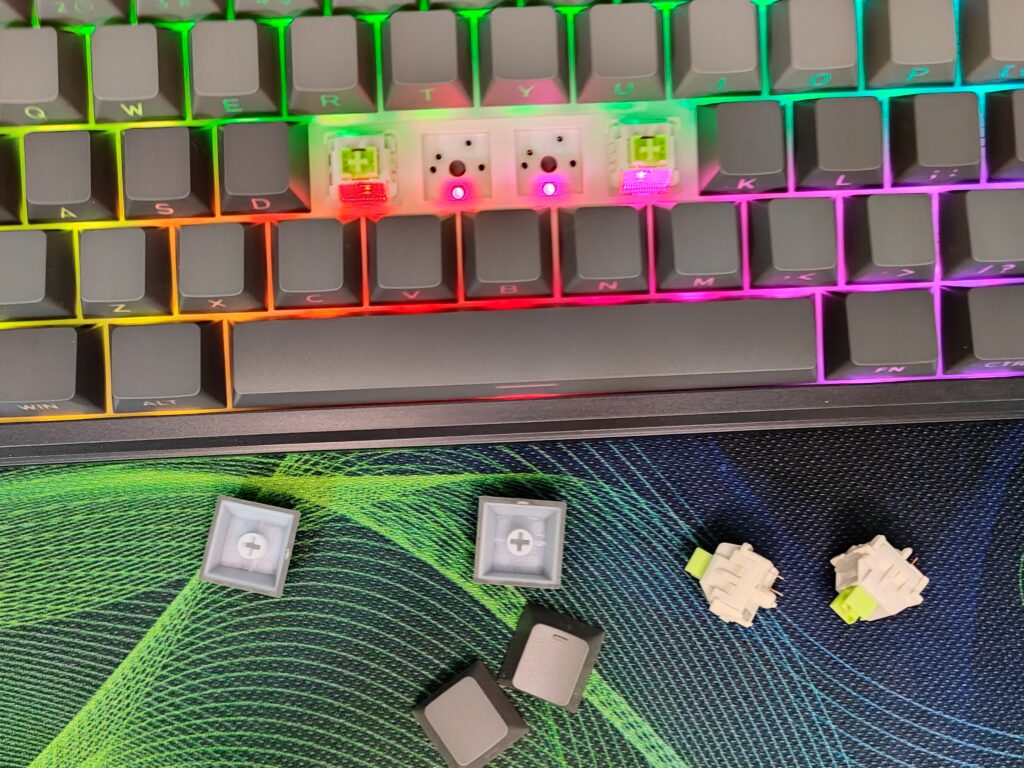
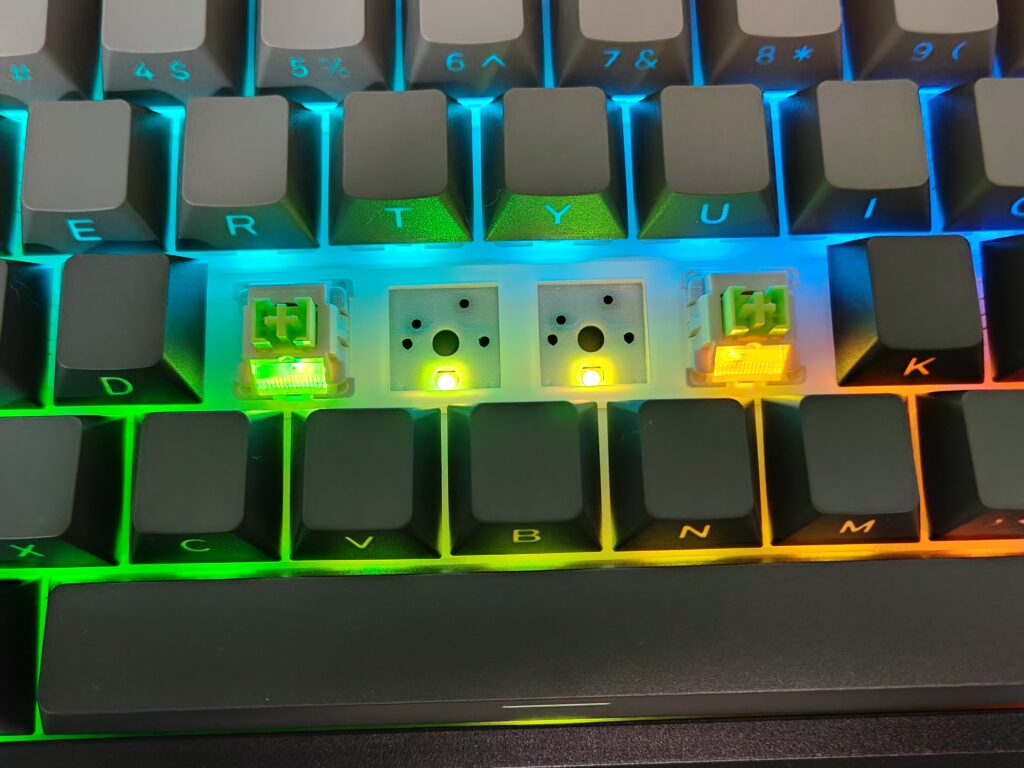
| Hot-Swappable | Yes, supports 3/5-pin mechanical switches |
| RGB | South-facing, per-key RGB |
| Polling Rate | 1000Hz (USB, 2.4GHz), 125Hz (Bluetooth 5.0) |
| Latency | 3ms (USB), 7ms (2.4GHz), 18ms (Bluetooth 5.0) |
| Anti-Ghosting | N-Key Rollover |
| Keyboard Dimensions | 32.8 × 14.3 × 4.4 cm |
| Front Height | 20mm |
| Keyboard Weight | 0.96 kg |
Build and design
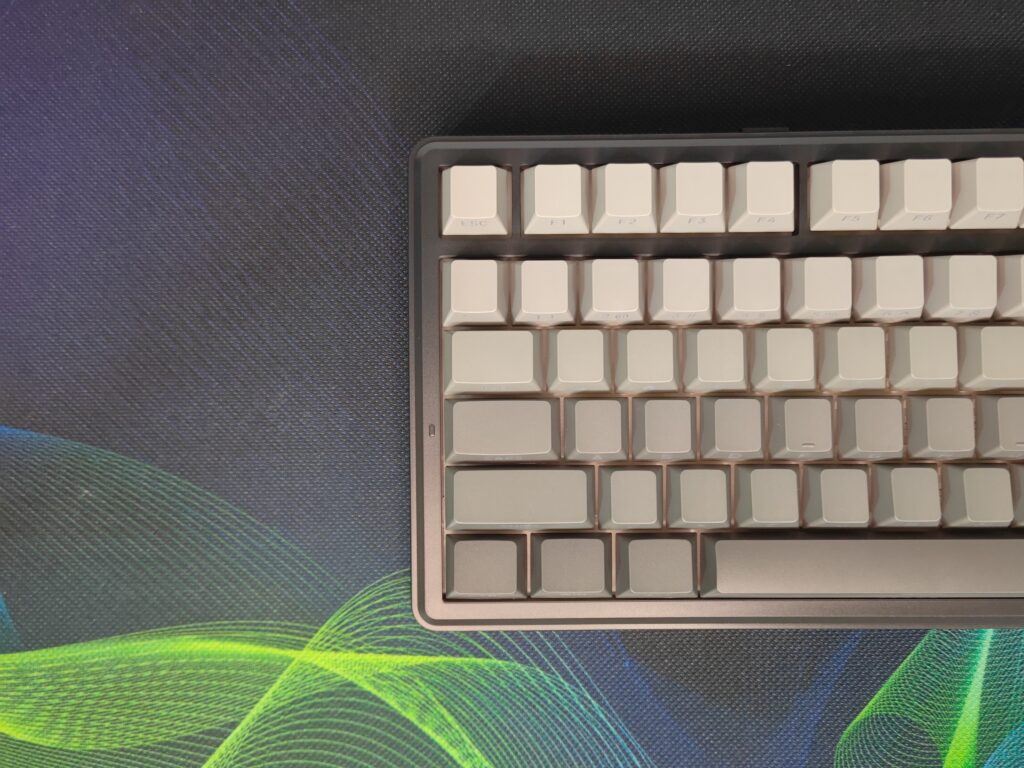
The Aula F75 Max keeps the popular 75% layout but adds some nice improvements. It feels strong and well-built, with a solid frame made from a mix of plastic and metal. The keyboard sits firmly on the desk without wobbling, and the rubberized feet and adjustable stands let you type at a comfortable angle.
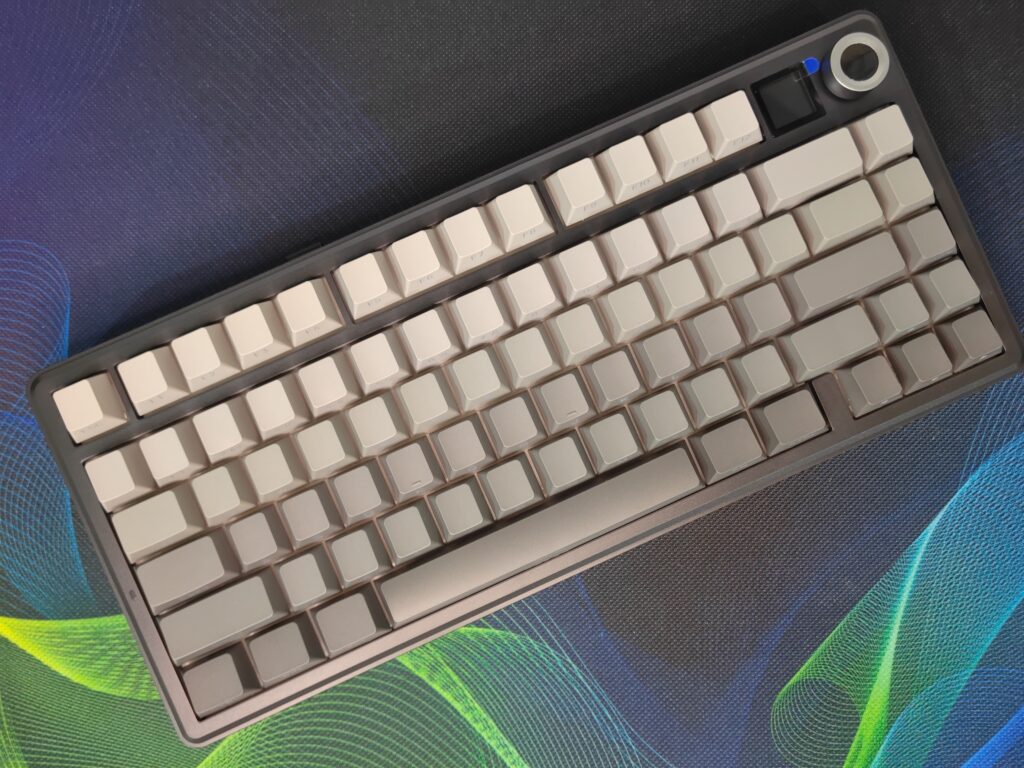
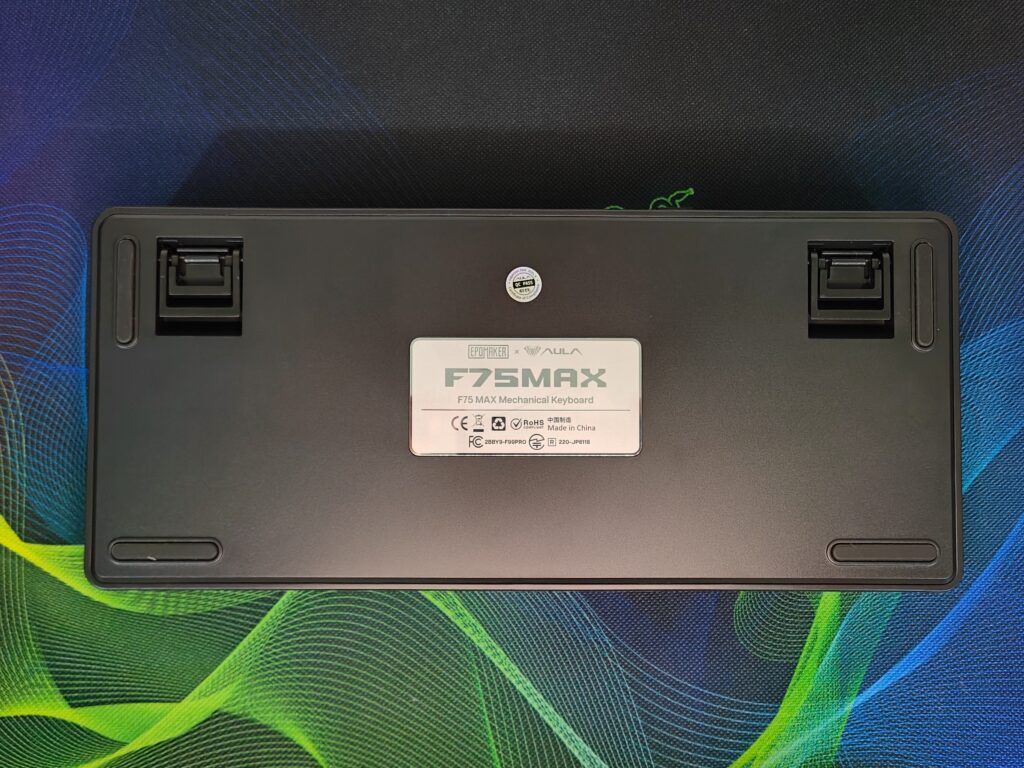
The Aula F75 Max comes in four color options: Black, which I am reviewing, White Blue, White Pink, and Caramel Pudding. Each color gives a different style, so you can pick one that matches your setup. My black unit looks sleek and professional, perfect for both gaming and work.
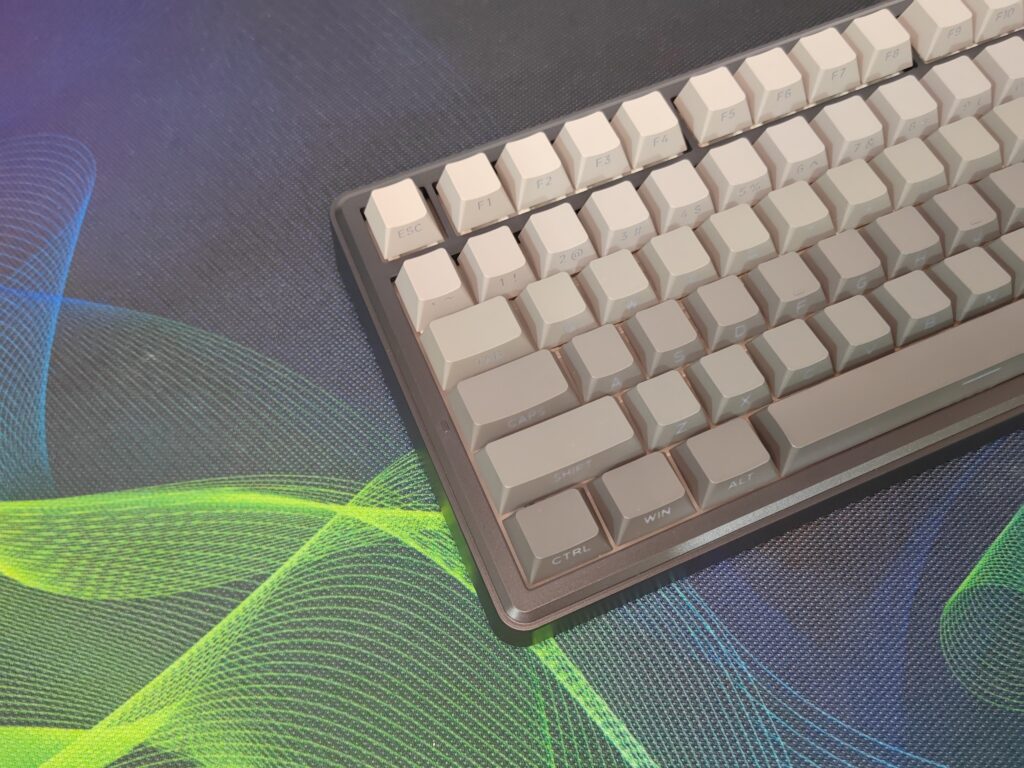
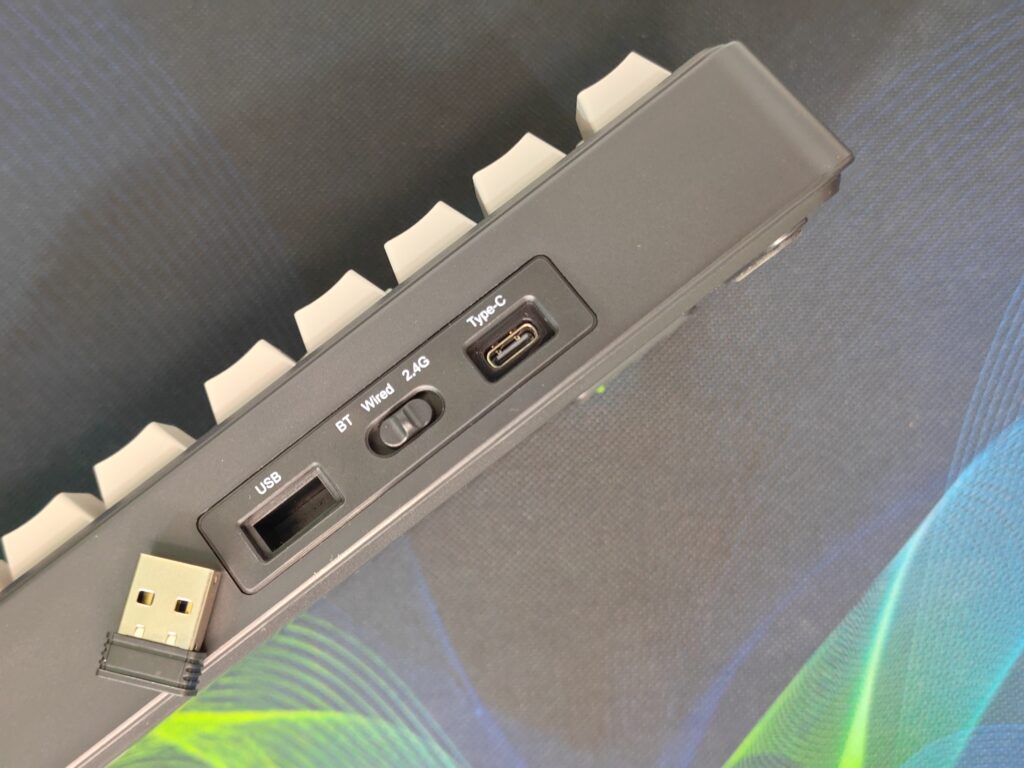
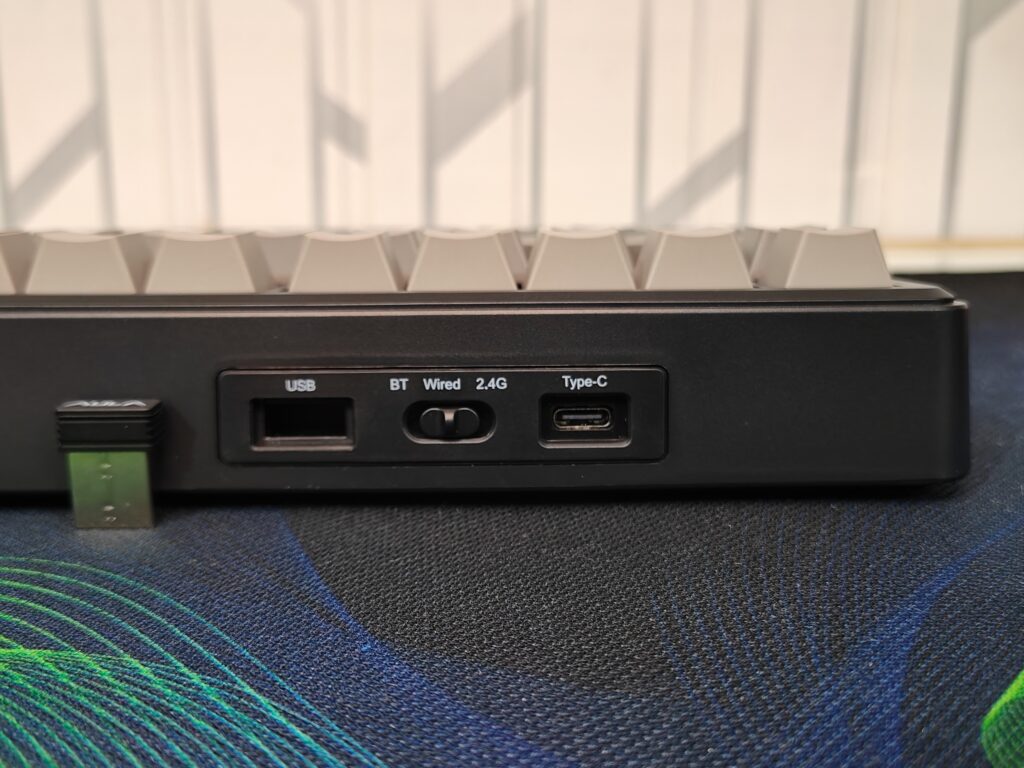
On the back, there is a magnetic slot for the wireless receiver so it won’t get lost. The mode switch lets you quickly switch between wired, Bluetooth, and 2.4 GHz wireless modes. The USB-C port is easy to reach, letting you charge the keyboard or use it wired.
Overall, the design is simple but smart. The keyboard feels durable, and the small changes like the magnetic slot, mode switch, and adjustable feet show that a lot of thought went into making it easy to use every day. Whether you choose black, white blue, white pink, or caramel pudding, the Aula F75 Max looks good and works well.
Volume knob and TFT screen
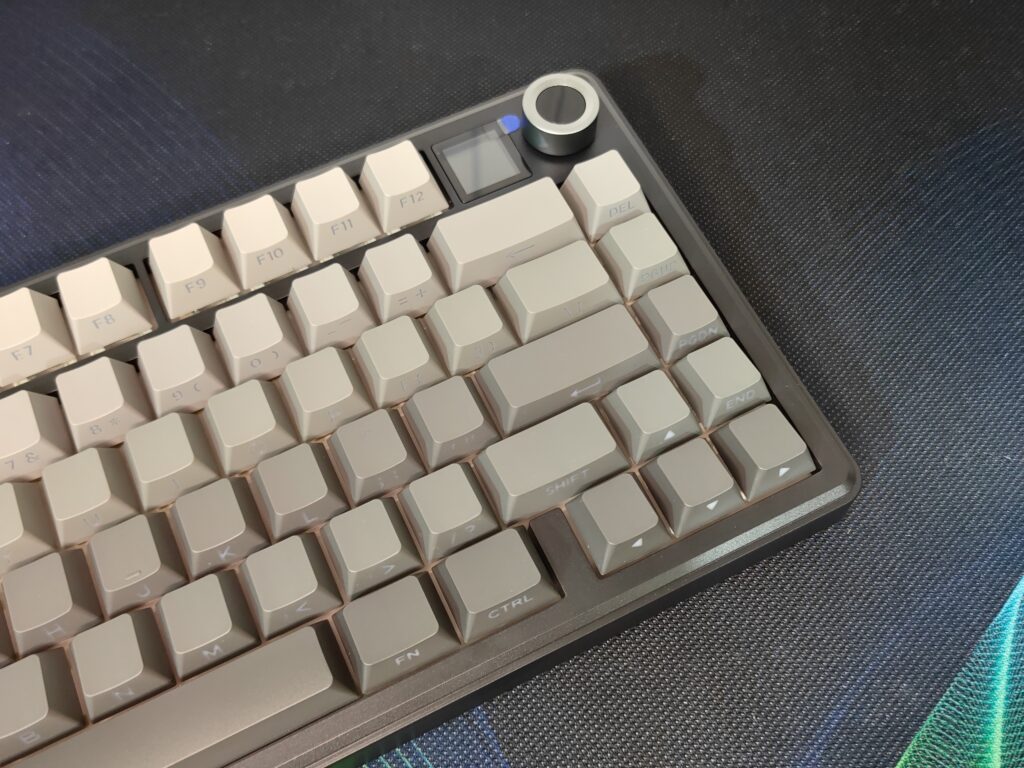
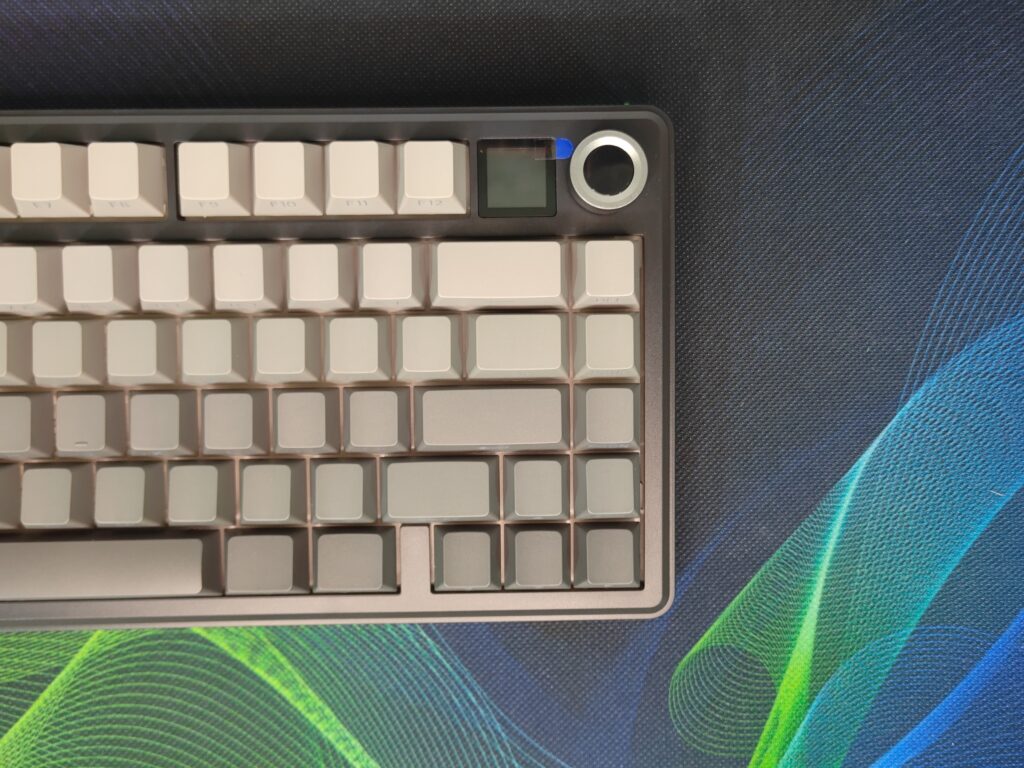
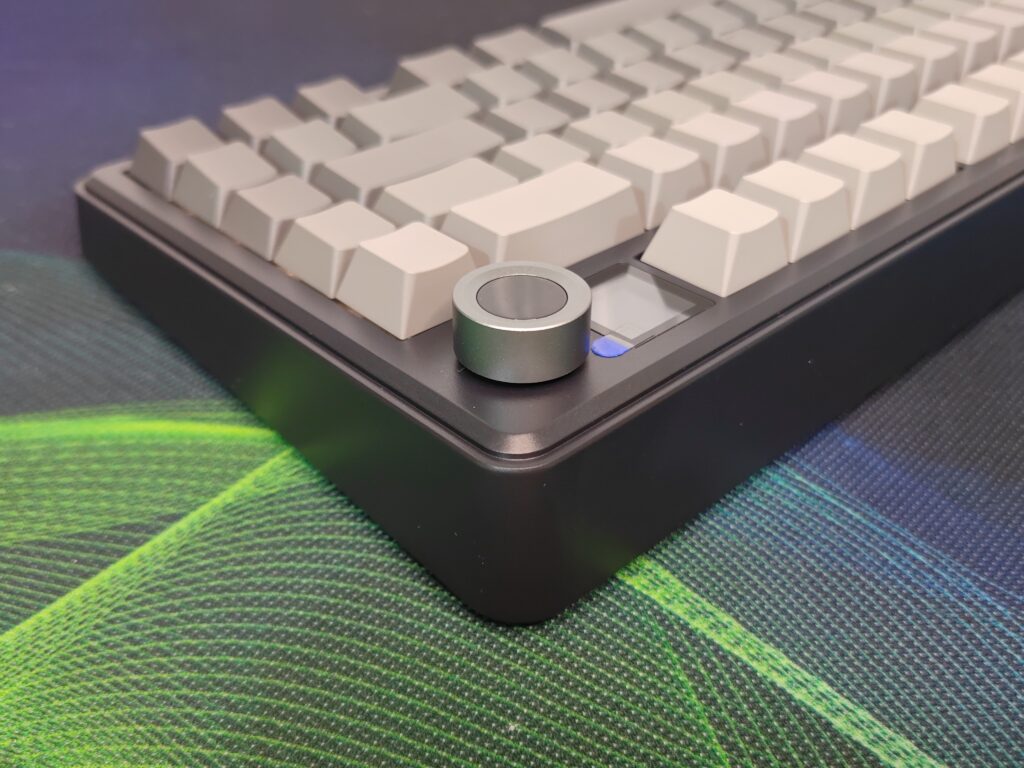
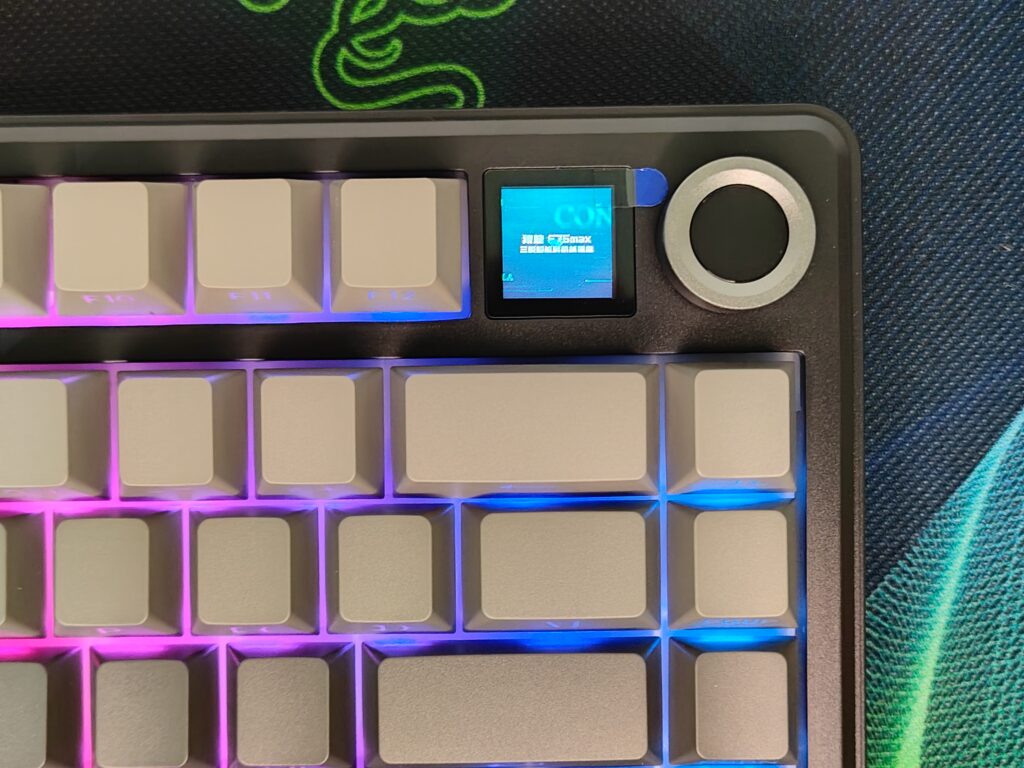
The TFT screen is a big improvement over the original F75, which did not have a screen. It shows battery life, connection modes, and even allows GIFs for fun customisation.
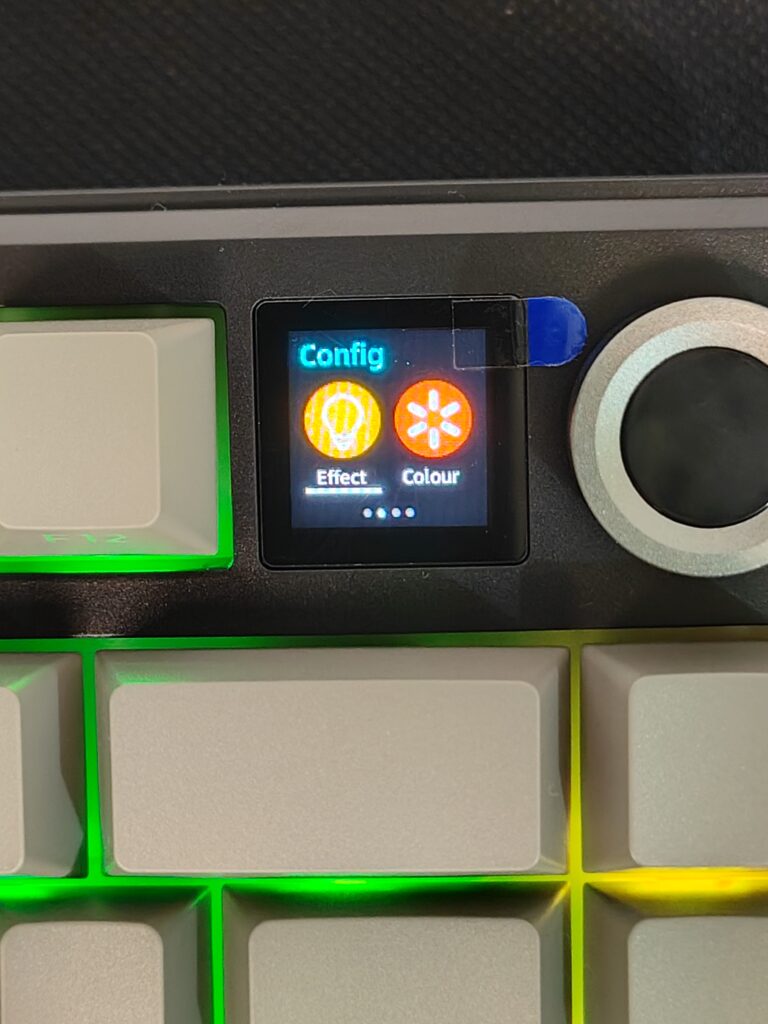
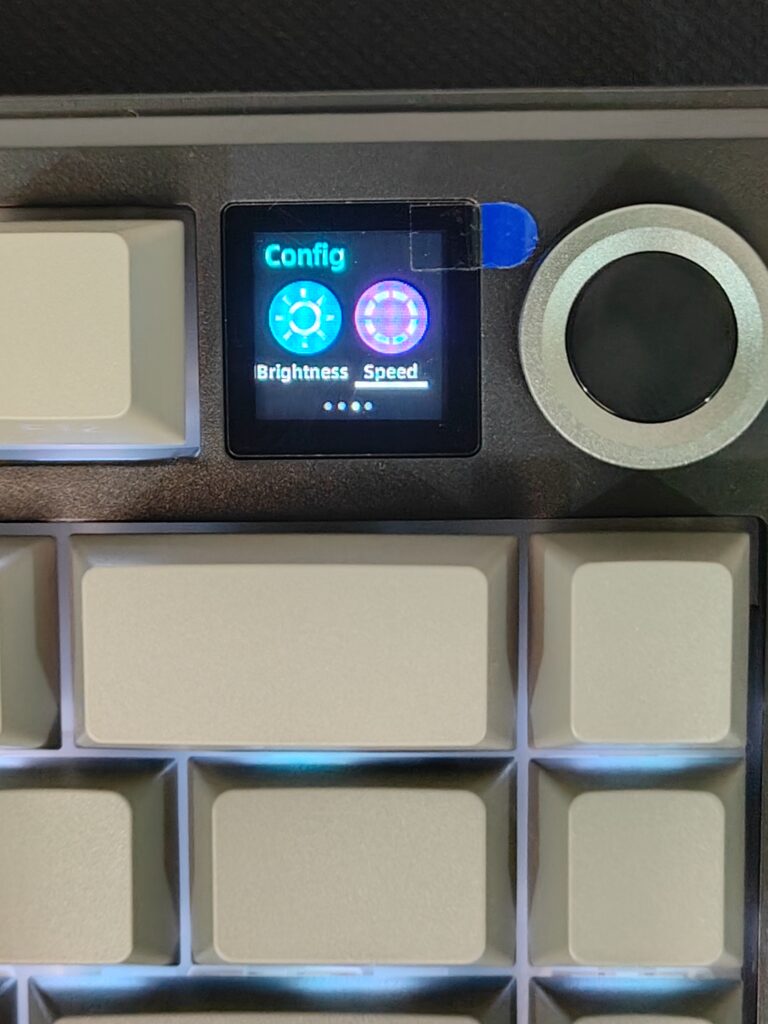
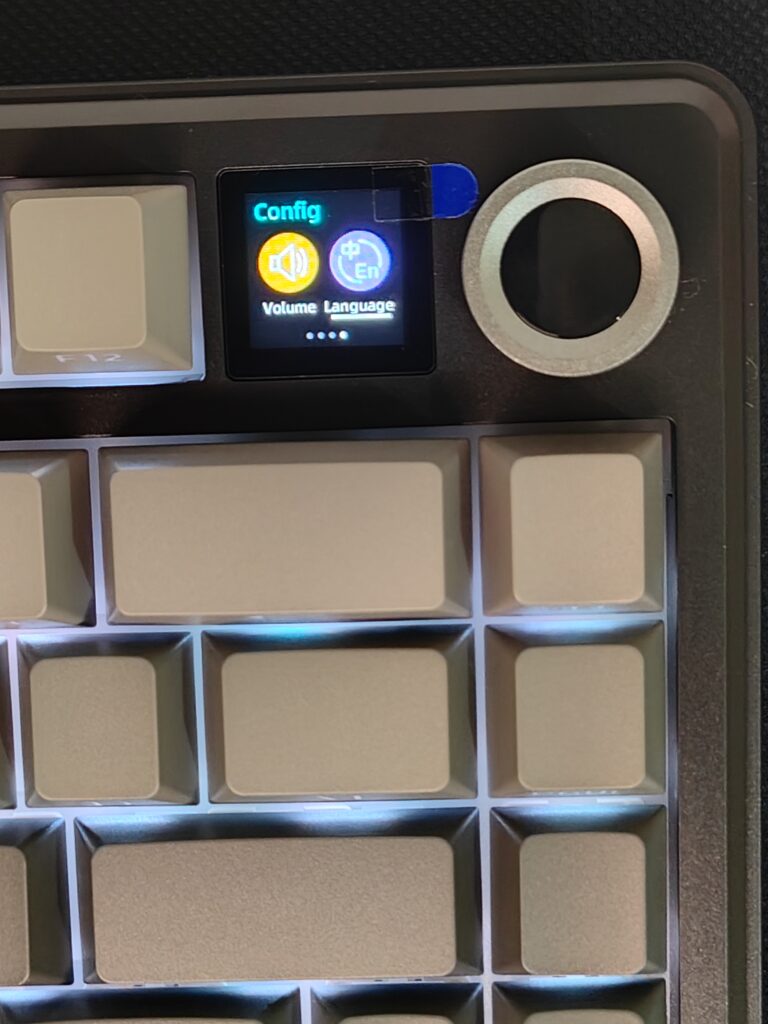
The volume knob is smooth and responsive, letting me adjust sound quickly without touching my computer. These additions feel natural and useful, not like gimmicks. Having the screen here makes the keyboard feel complete, and I often find myself glancing at it just to check battery or mode without opening software.
Keycaps and switches
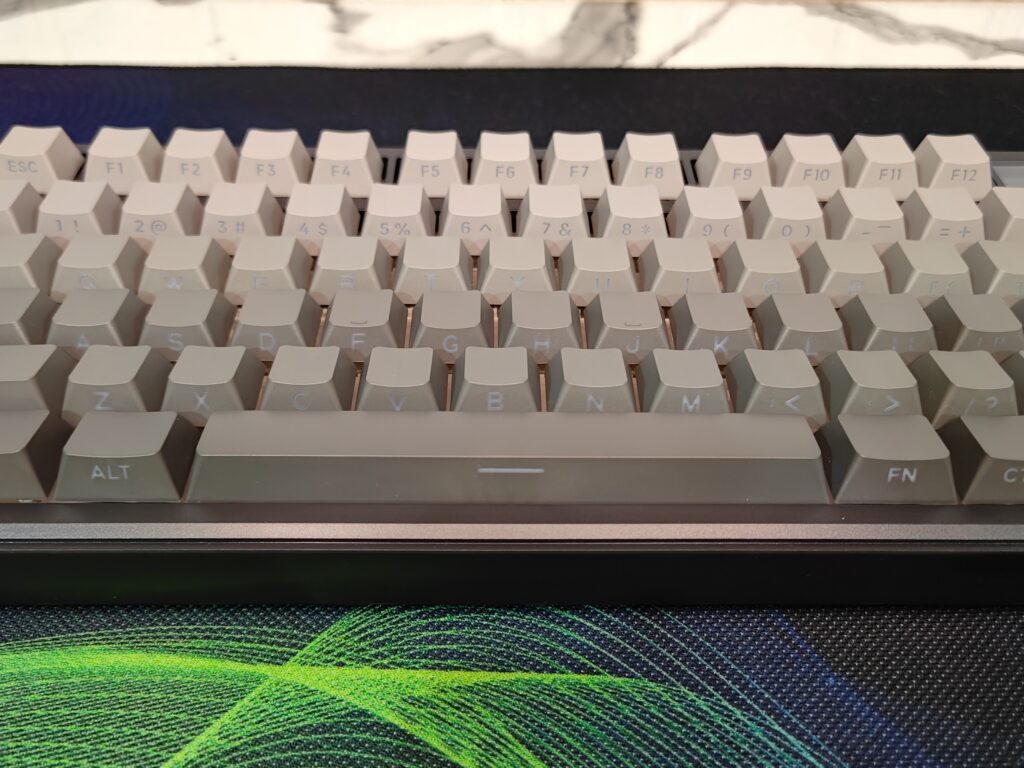
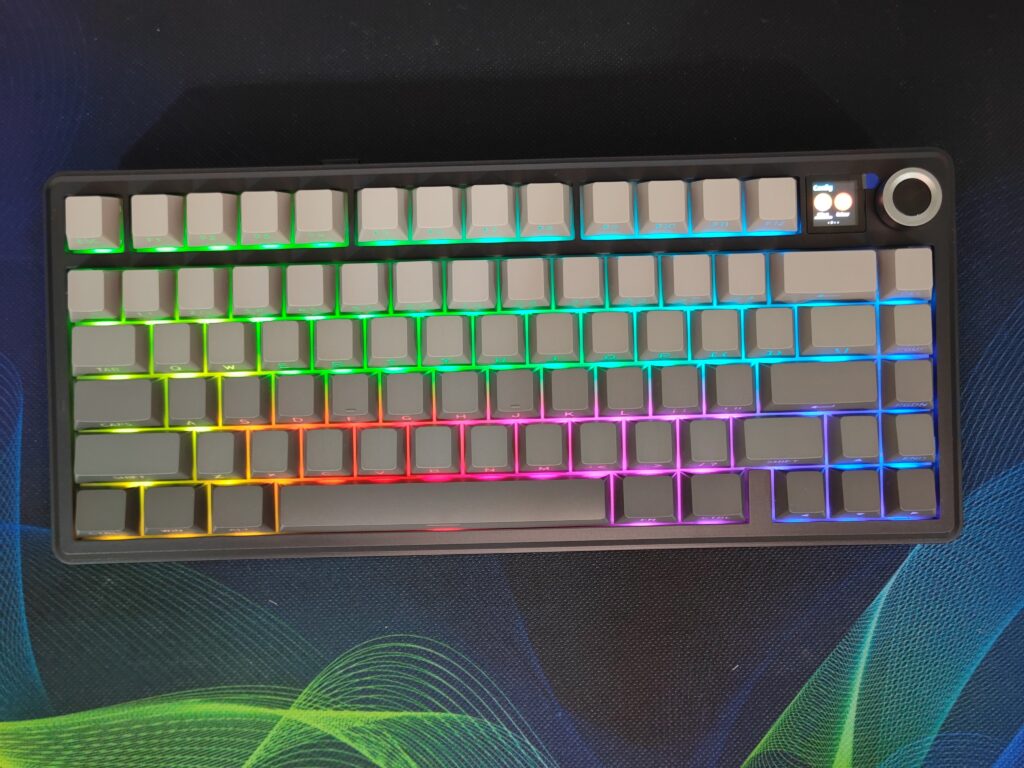
The Cherry profile PBT keycaps feel soft yet strong. They resist shine, and the legends will not wear off easily. The grey side-printed keycaps complement the RGB lighting, producing a soft and smooth glow.
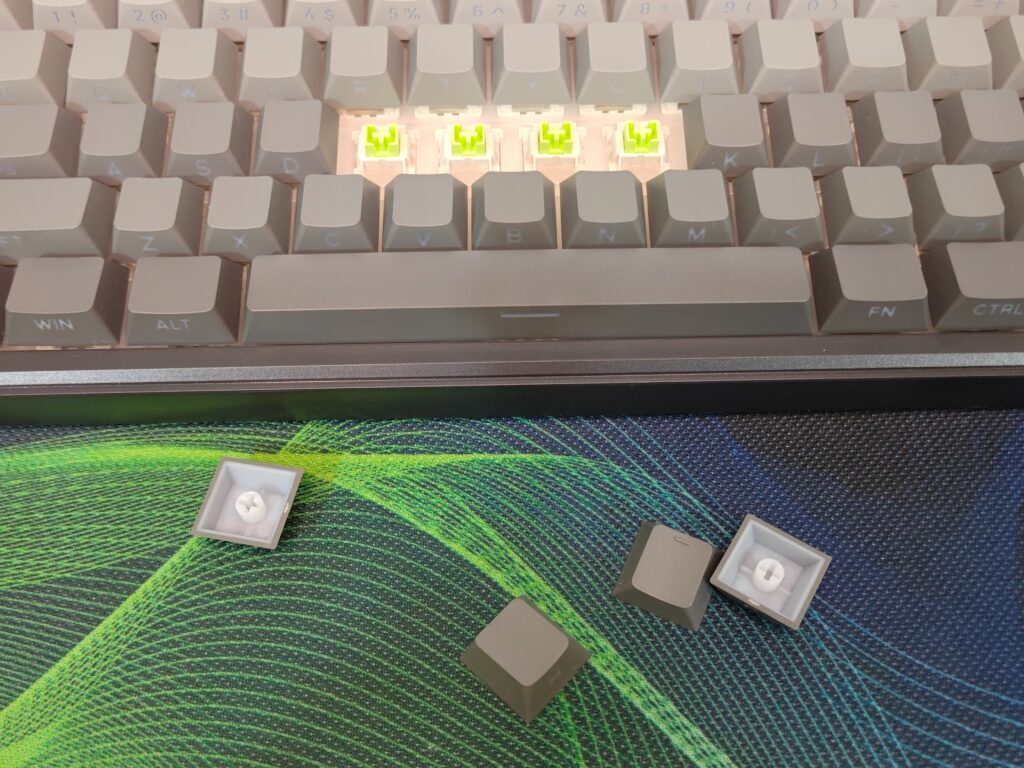
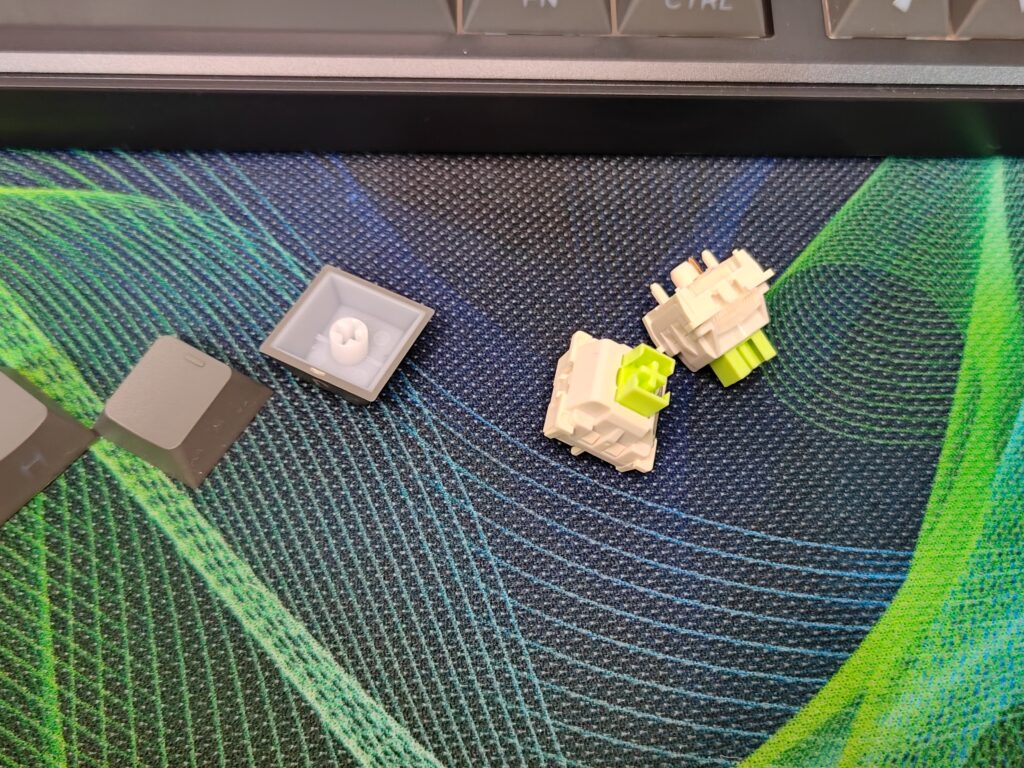
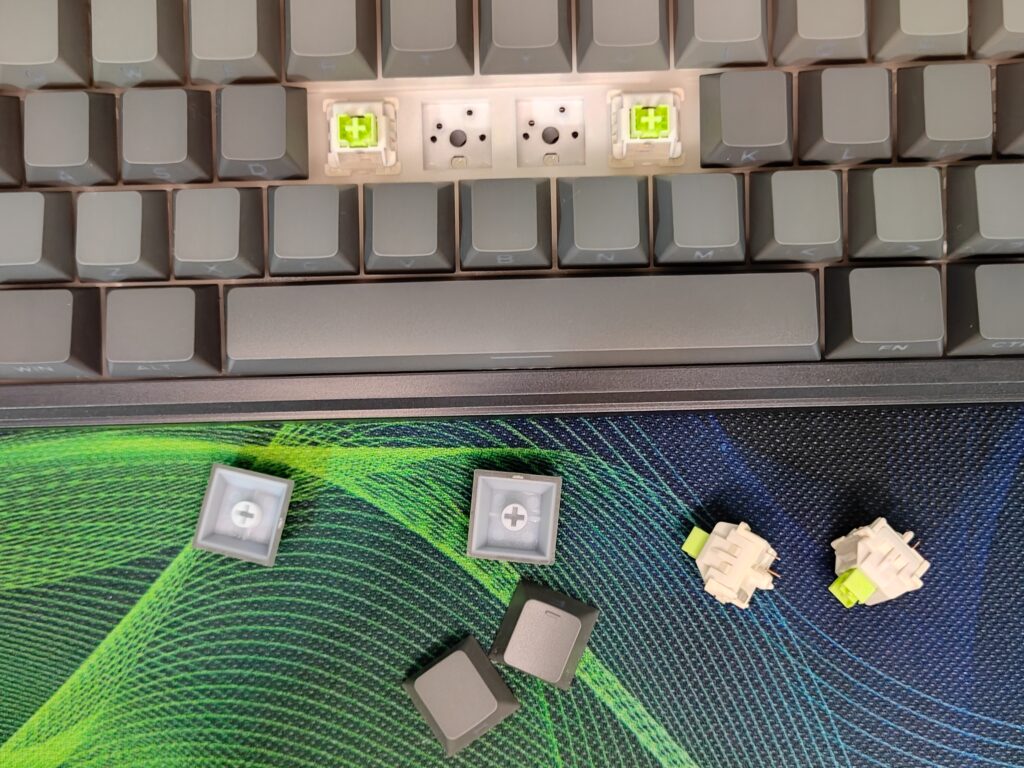
The Leobog Reaper linear switches are a joy to type on. With 36g actuation and 55g bottom-out force, the keys feel smooth, soft, and effortless. They produce a creamy, satisfying sound that makes typing fun and relaxing. The pre-lubed stabilisers are solid, reducing rattle and keeping every key press consistent. Even after long typing sessions, my fingers didn’t feel tired, which is a big plus for work and gaming.
RGB lighting
The RGB lighting is bright, vibrant, and very well balanced. South-facing LEDs with diffusers make the colours soft, not harsh, and the grey keycaps help the glow look smooth. You can easily adjust the colours, speed, and effects in the software. The lighting is subtle enough for work and stylish enough for gaming. Every keypress looks good, and having the soft glow while typing feels premium.
Software
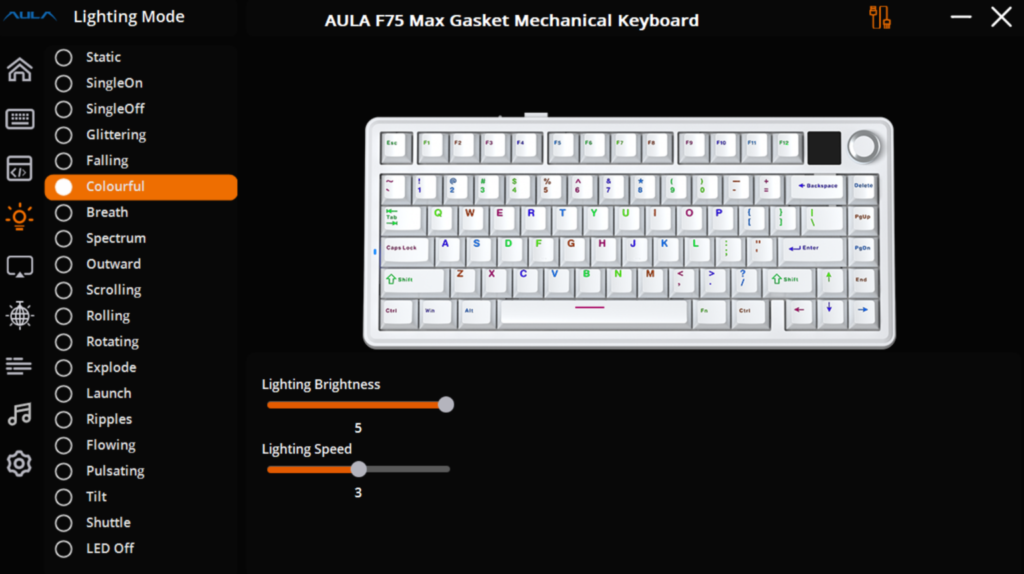
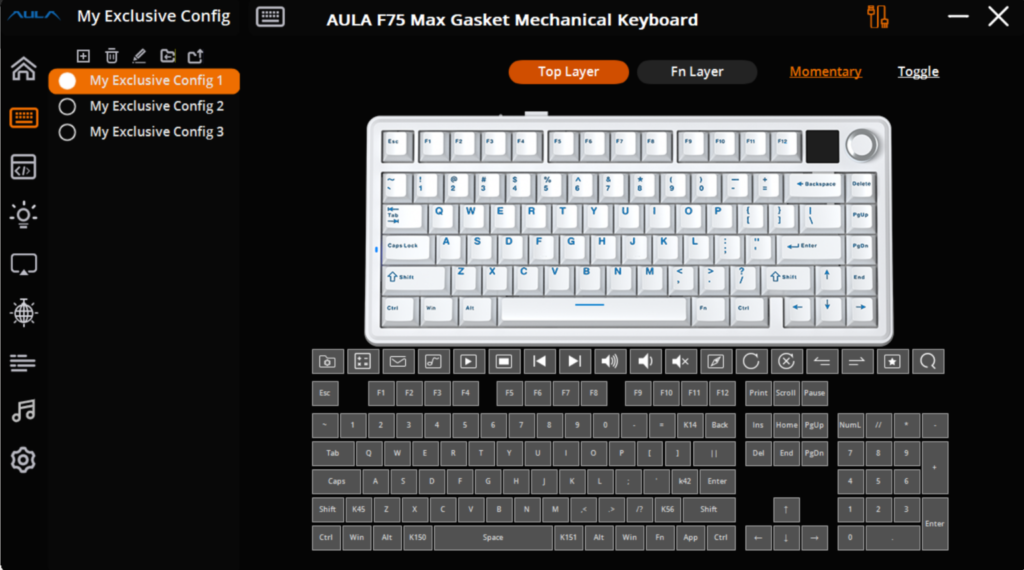
The Aula software is simple and easy to use. You can remap keys, create macros, adjust lighting, and tweak debounce time. You can also customise the TFT screen with static images or GIFs, showing battery, logos, or small animations. Using the software is straightforward just open it, make changes, and apply them. It’s not as advanced as VIA or QMK, but for most users, it is enough for all basic customisation.
Battery and connectivity
The 4000 mAh battery lasts around 30.5 hours with RGB on and up to 80 hours with RGB off. The keyboard will go into deep sleep after 5 minutes of no key pressing, turning off the backlight. Press any key, and it wakes up and reconnects automatically.
Connectivity is smooth with three modes: wired, Bluetooth, and 2.4 GHz wireless. Bluetooth pairs with up to three devices and switches easily. The 2.4 GHz connection is fast and lag-free for gaming, while wired mode gives the most stable performance. The keyboard also charges while in use, so you never need to stop typing or playing.
User experience
Using the Aula F75 Max for more than a week on my desk has been exciting. I use it for both work and gaming, and it feels great in every scenario. The gasket-mounted design makes typing soft and bouncy, while the Reaper switches deliver smooth and creamy keystrokes. The stabilisers keep everything solid, and the TFT screen is not just fun but really useful for checking battery or connection mode. The volume knob is handy, making audio adjustments quick. The RGB lighting looks amazing and adds a premium touch. Every time I type, it feels smooth, precise, and enjoyable.
Gaming also feels top-notch. The lag-free 2.4 GHz mode and responsive keys make fast-paced games easy to play. Switching between devices on Bluetooth is quick, which is great when I use my tablet or phone alongside my PC. Overall, using this keyboard is exciting and makes both work and gaming more fun.
Final thoughts
The Epomaker x Aula F75 Max is a well-balanced and premium keyboard that has been available in the market for quite some time. It is one of the most popular 75% keyboards and is often listed among the best options in this layout. The Aula F75 Max fixes the missing screen from the original F75 and adds useful features like the TFT display, a handy volume knob, creamy Reaper switches, and smooth RGB lighting. Typing feels soft and bouncy, the stabilisers are solid and rattle-free, and connectivity is fast and reliable across wired, Bluetooth, and 2.4 GHz modes. It really checks all the boxes when it comes to features, offering strong build quality, comfortable typing, great aesthetics, and versatile functionality. Whether you are gaming or working, the Aula F75 Max delivers a polished and satisfying experience, making it one of the best 75% keyboards you can buy in this price range.
AULA F75 Max Price and availability
The Epomaker x Aula F75 Max is available for $79.99 and can be purchased directly from the Epomaker official store. This makes it an affordable option for a high-quality, feature-packed 75% keyboard that works well for both gaming and productivity.
AULA F75 Max Pros and cons
Pros
- Strong and solid build
- Soft, bouncy typing
- Reaper switches feel creamy
- TFT screen is useful
- Vibrant RGB lighting
- Long battery life
- Easy wireless and wired connection
Cons
- None